
Primary logo
PNG · 1962 × 580
For white and light backgrounds.
Interactive Image / Brand resources
Logos, colors, typography, and assets for creating with Interactive Image.
ZIP · Logos, icons, social image, color tokens & usage notes
01 / Assets
Use these original files for presentations, websites, and brand mentions. Choose the logo that gives the clearest contrast.
PNG · 1962 × 580
For white and light backgrounds.

PNG · 1962 × 580
For navy and dark backgrounds.

PNG · 64 × 64
For small browser and interface placements.
ICO · 16, 32 & 48 px
Multi-size icon for browser tabs.
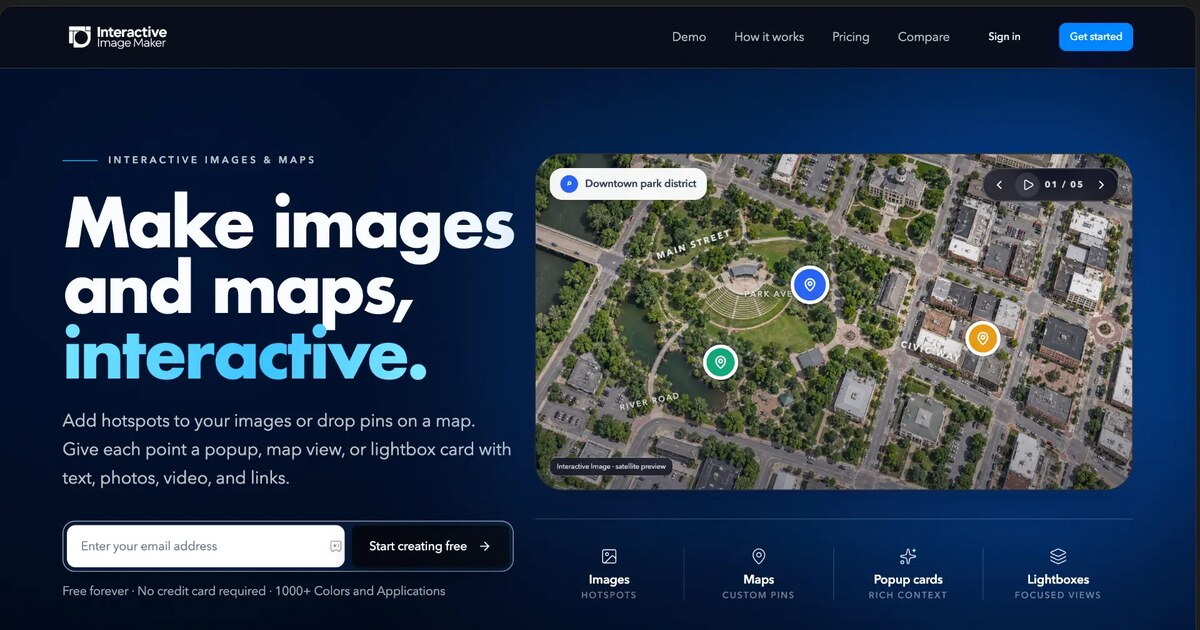
JPG · 1200 × 630
For website link previews and social sharing.
02 / Color
The current website palette, with exact CSS values ready to copy. Reserve bright accents for actions and highlights.
#1557FFPrimary purchase and publish actions.
#081633Dark surfaces and map markers.
oklch(0.63 0.22 255)Homepage buttons and navigation accents.
oklch(0.86 0.11 220)Headline accents on dark backgrounds.
#FFFFFFLight surfaces and text on dark backgrounds.
oklch(0.554 0.046 257.417)Secondary text on light backgrounds.
Headline accent gradient
Make it interactive.
linear-gradient(100deg, oklch(0.86 0.11 220), oklch(0.78 0.16 240) 55%, oklch(0.88 0.1 210))03 / Typography
Our site requests Futura for headlines and Avenir Next for body text, then uses the fallbacks below. The font you see depends on what is installed on your device.
Headlines
Aa Bb 123
Make images and maps, interactive.
Weight 700 · Letter spacing -0.035em
"Futura", "Avenir Next", "Century Gothic", "Inter", "Helvetica Neue", ui-sans-serif, system-ui, sans-serifBody & interface
Aa Bb 123
Make images and maps, interactive.
Weight 400 · Letter spacing -0.01em
"Avenir Next", "Century Gothic", "Inter", "Helvetica Neue", ui-sans-serif, system-ui, sans-serifFont files and font licenses are not included. Obtain the appropriate license if you supply or embed these typefaces in your own work.
04 / Brand usage
Keep clear space around the mark, preserve its proportions, and choose a background with strong contrast.
Avoid stretching, cropping, recoloring, or adding effects. Use the small icon for browser tabs; use the full logo when space allows.
Be direct, helpful, and specific. Say “add a hotspot,” “drop a pin,” and “publish your map.” Write the product name as Interactive Image.
Brand description
Make images and maps, interactive.
Add hotspots to your images or drop pins on a map. Give each point a popup, map view, or lightbox card with text, photos, video, and links.