

The interactive image maker for modern websites.
Turn any image into a clickable, hotspot-driven experience. Place precise dots, write refined info cards, and paste one iframe into Wix, Webflow, WordPress, Shopify, or Squarespace.
Free forever · No credit card required
Free
$0/mo
1 published map with hotspots, embeddable anywhere · Interactive Image badge
Create an ImagePro
$5/mo
50 maps · No watermark · White-label embeds · Priority support · Newest feature updates
Go Pro
Part #: 328
Framed wall cavity
Electrical, gas, and water paths coordinated inside the same 2x6 wall.
Embeds anywhere you can paste an iframe
- Wix
- Shopify
- Squarespace
- Webflow
- WordPress
- Framer
- Notion
- HubSpot
- Ghost
- BigCommerce
- GoDaddy
- Substack
- Mailchimp
- Drupal
- Joomla
- Confluence
- Contentful
- Zendesk
Try it live
Turn one flat image into a guided walkthrough.
Hover any dot and a card explains that part — no extra pages needed.
Try it on this HVAC render: drag dots, add your own, or restyle on the right. Nothing is saved.

What is an interactive image?
An interactive image is a normal photo, render, diagram, or floor plan with clickable hotspots placed on top of it. Each hotspot opens a small card that can hold a title, a description, a photo or video, and a link — so one image can explain a whole product line, room, venue, or assembly without sending the visitor to another page.
Interactive Image stores every hotspot as a percentage of the image, so the dots stay glued to the right spot on desktop, tablet, and phone. When your image is ready you copy one iframe snippet and paste it into your site — it works in a Wix HTML embed, a WordPress block, a Webflow embed element, Squarespace, Shopify, or any page that accepts HTML.
Teams use it for product diagrams and spec callouts, shoppable lookbooks, clickable floor plans and site maps, venue seating charts, onboarding walkthroughs, and annotated architectural renders. It replaces the old HTML <map> / <area> approach, which uses fixed pixel coordinates and breaks the moment the image is resized — see the image map alternative breakdown, or browse live examples.
Workflow
From static asset to polished embed in minutes.
Bring in the visual
Upload a product image, diagram, floorplan, technical render, or sales asset.
Place precise context
Drop hotspots exactly where they belong, then refine positioning, copy, and styling.
Publish a clean embed
Copy one iframe into Wix, Webflow, WordPress, or any page that accepts HTML.
The short answer
What is an interactive image?
An interactive image is an ordinary photo, render, diagram, or plan with clickable hotspots placed on top of it. Hovering or tapping a hotspot opens a card with its own title, description, image, and link — so one visual can carry the detail that would otherwise need a page of text or a stack of annotated crops.
The part that matters technically is how those hotspots are stored. Here each one is a percentage of the image's width and height rather than a pixel coordinate, so a marker sitting on a valve, a room, or a product stays on it at every screen size. That is the difference between a modern interactive image and a classic HTML image map, whose fixed <area> coordinates drift as soon as the image scales.
You publish it as a single responsive iframe, which is why it drops into Wix, WordPress, Webflow, Shopify, Squarespace, or any page that accepts HTML without a plugin — and why editing a hotspot updates every page showing that image at once.
Common questions
- Do I need to design a new graphic?
- No. It works on the image you already have — a product photo, a CAD export, an architectural render, or a floor plan PDF exported as an image.
- Does it work on phones?
- Yes. Hotspots scale with the image and popups open as tap-friendly cards rather than hover tooltips.
- Do I need a developer?
- No. Placing hotspots is drag-and-drop, and publishing is copying one snippet into an HTML block.
- Can I change it after publishing?
- Yes. Hotspot content lives here, not in your site, so edits appear on every page holding the embed without re-copying anything.
Built for clarity
Designed for product teams that need clarity, not clutter.
Interactive Image turns detailed visuals into guided experiences for sales pages, manuals, configurators, real estate plans, technical diagrams, and product education.
Create your first map- Responsive presentation across desktop, tablet, and mobile
- Drag-to-place editor with precise percentage positioning
- Custom hotspot color, size, and popup typography
- Copy-and-paste iframe embeds for modern website builders
- Unlimited hotspots for every interactive map
- Your images and copy remain under your control
- Photos, video, and rich text inside every hotspot card
- Call-to-action buttons that link straight to product pages
- Hotspot categories with one-click filter chips
- Live preview and mobile, tablet, and desktop viewport testing
- Built-in image cropping and repositioning
- Starter templates for diagrams, floor plans, and menus
- Publish to a public, crawlable gallery page for SEO
- Instant save with autosave and one-click manual save
- Marker styles: dots, pins, numbers, and custom colors
- Accessible keyboard focus and screen-reader labels
Examples
See what interactive images can become.
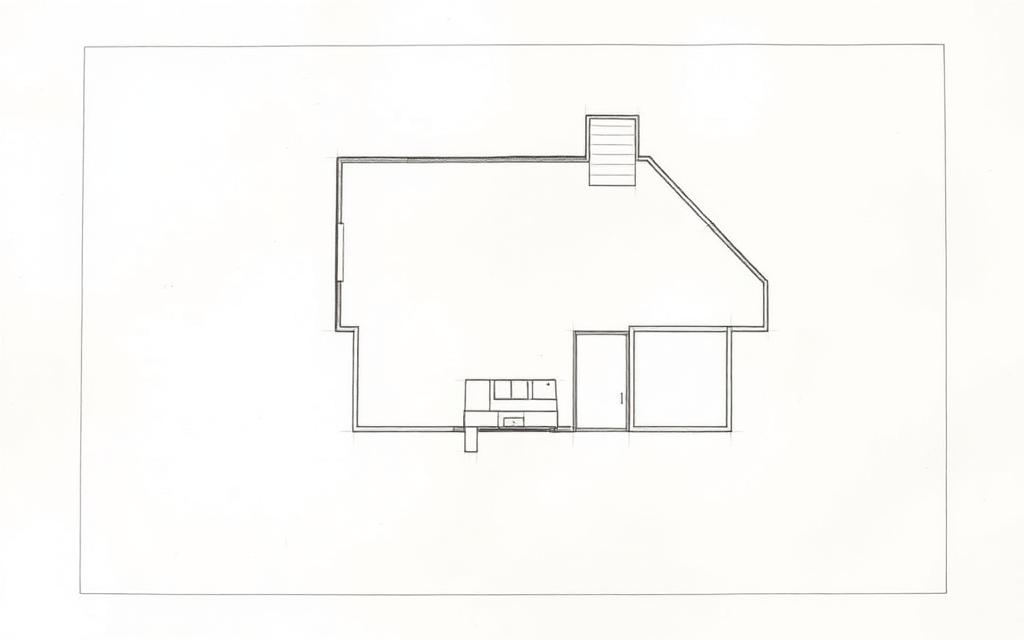
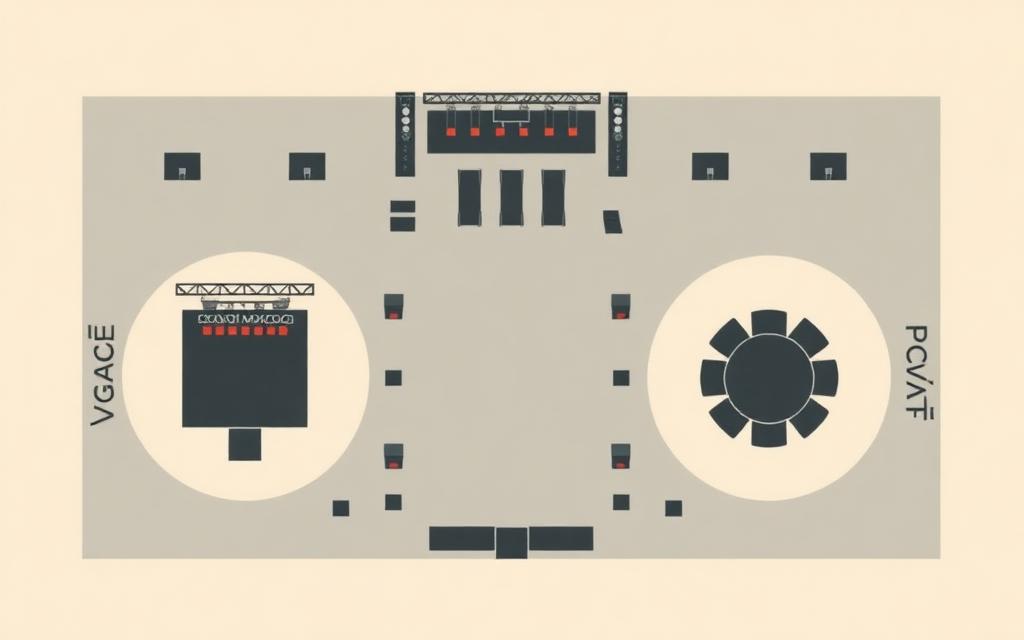
Explore product diagrams, floor plans, venue maps, and other real website use cases before building your own.

Compare tools
Choosing between hotspot, map, and graphics tools?
Compare Interactive Image with presentation builders, image map generators, WordPress plugins, design tools, and data mapping platforms.


Explore formats
Make any visual clickable.
Start from a product photo, map, diagram, floor plan, infographic, or website graphic. The same editor handles every format.
Interactive image maker
Add clickable hotspots and popups to any image.
Image map generator
Create a modern image map without fragile HTML coordinates.
Interactive graphics maker
Turn diagrams, infographics, and sales visuals into explorable content.
Interactive map maker
Add pins and popups to venue maps, floor plans, and illustrated maps.
Responsive image map generator
Keep hotspots aligned across desktop, tablet, and mobile layouts.
HTML image map alternative
Replace map and area tags with a responsive hosted embed.
Free image map tools
Convert legacy map markup and read image coordinates, free in your browser.
Add a link to an image
Point different parts of one image at different destinations.
Pricing
Simple pricing for serious presentation.
Start with one map, then scale into a white-label product library.
Free
$0/mo
For testing the workflow on a real asset.
- 1 map
- Embed anywhere
- “Made with Interactive Image” badge
Pro
$5/mo
For product libraries and client-ready embeds.
- Up to 500 maps
- Unlimited hotspots
- No badge on embeds
- Priority support
Definition
What is an interactive image tool?
An interactive image tool layers clickable hotspots onto a flat image so each part of the picture can carry its own title, description, photo, video, and link. The result is one embeddable component instead of a stack of annotated screenshots: a product render that explains its own parts, a floor plan where every room opens its details, a seating chart that links each section to tickets.
The part that decides whether it holds up in production is how hotspot positions are stored. Interactive Image records them as percentages of the image and measures the rendered image box, so markers stay glued to the artwork from a 4K monitor down to a phone — the failure mode that makes classic pixel-coordinate image maps unusable on responsive sites.
| Approach | Responsive? | Rich popups? | Best for |
|---|---|---|---|
| HTML image map (<area>) | No — fixed pixels | No, links only | Legacy fixed-width pages |
| Hand-coded CSS or SVG overlay | Yes, with work | Only what you build | Developer-owned one-offs |
| Design tool export (Figma, Canva) | No embed produced | No | Static visuals and decks |
| Mapping platform | Yes | Yes | Real geography and coordinates |
| Interactive Image | Yes — percentage hotspots | Text, images, video, CTAs | Any image embedded on a site |
Go deeper on what an interactive image is, the image map generator, or how the tools compare.
Frequently asked questions
How do I make an image interactive?
Upload the image, drop hotspots where you want them, add text, photos, or links to each hotspot, then copy the generated iframe into your website.
Where can I embed an interactive image?
Anywhere you can paste an iframe, including Wix, Webflow, WordPress, Shopify, Squarespace, Framer, Notion, HubSpot, and custom sites.
Is Interactive Image free?
Yes. The free plan lets you build and embed interactive images with a small watermark. Pro removes the watermark and raises limits.
Do interactive images work on mobile?
Yes. Hotspots scale with the image and open on tap, so the same embed works on desktop, tablet, and mobile.
What is an interactive image tool?
An interactive image tool takes a flat image and layers clickable hotspots on top of it, each holding its own text, photo, video, or link. Instead of one link per image, a visitor can explore the parts of a product, the rooms in a floor plan, or the sections of a venue map, all inside a single embeddable component.
How do I create an image map without coding?
Upload the image, click where each region should go, and describe it. Interactive Image stores each hotspot as a percentage of the image rather than fixed <area> pixel coordinates, then generates the responsive embed for you — no HTML, JavaScript, or plugin required.
Can I make custom interactive maps from my own artwork?
Yes. Illustrated maps, campus plans, seating charts, trade-show layouts, and stylised world maps all work, because Interactive Image treats your artwork as the map instead of requiring geographic coordinates.
What is the difference between this and an HTML image map?
A classic HTML image map uses <map> and <area> tags with fixed pixel coordinates, so the clickable regions drift as soon as the image is scaled, and each region can only be a plain link. Percentage-based hotspots stay aligned at every width and can open rich cards with images, video, and buttons.
Custom work
Need something more custom?
If your project needs more than the builder — hundreds of hotspots, a bespoke card design, a tailored integration, or a done-for-you build — our team at Upcode Studios can take it on.
- Bulk hotspot builds from existing diagrams, catalogs, or spreadsheets
- Custom card layouts, branding, fonts, and interaction behavior
- Deep platform integrations and white-label embeds
- Ongoing updates handled by our team, not yours
Tell us about your project
We typically reply within one business day.
Ready to turn your visuals into guided experiences?
Create your first interactive product map and embed it anywhere.
Free forever · No credit card required