

Use case · Real estate
Floor plans buyers can actually click through.
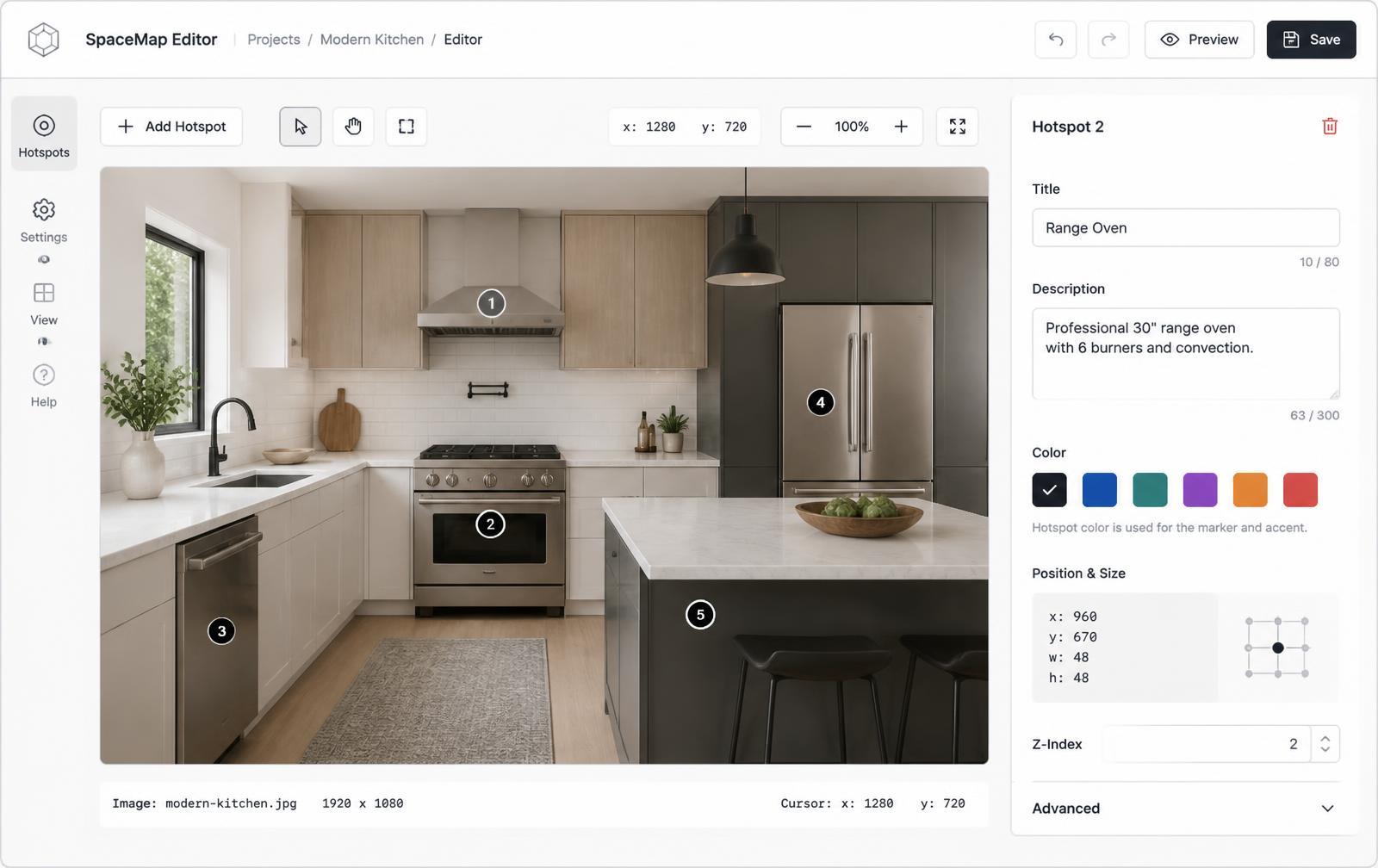
Upload a floor plan or listing photo, drop a hotspot on every room, and let buyers see square footage, finishes, and photos without leaving the page.
Free forever plan · No credit card · Works in Wix, Webflow, WordPress, Shopify, Squarespace
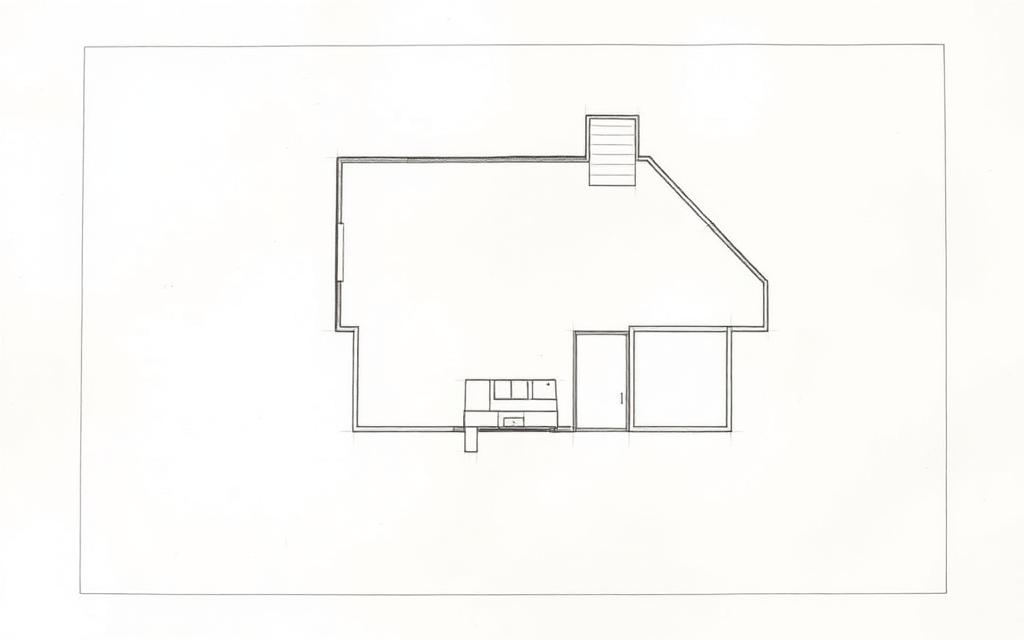
Room-by-room detail
Each hotspot can show dimensions, flooring type, and a small photo without cluttering the main floor plan.
Amenity callouts on exteriors
Mark pools, garages, or lot boundaries on an aerial or exterior photo with the same hotspot tool.
Embed on any listing page
Works inside your brokerage site, a single-property landing page, or an MLS-adjacent marketing page.
What you get
- Label every room with dimensions and finish notes
- Link hotspots to photo galleries or video walkthroughs
- Mark amenities on exterior and aerial photos
- Embed on brokerage sites, listing pages, or single-property sites
- No 3D scanning equipment or specialized software required
- Update listing details without re-exporting a new floor plan image
What to put in each room's hotspot
| Field | Example | Why it's there |
|---|---|---|
| Room name | Primary bedroom | Confirms what they're clicking |
| Dimensions | 14' × 16' | The single most-asked follow-up question |
| Finish notes | Hardwood, walk-in closet | Signals quality without another photo |
| CTA | View photo gallery | Sends interested buyers deeper |
A typical listing workflow
- Upload the floor plan (or a clean exterior/aerial photo) to Interactive Image.
- Place a hotspot on each room or feature — living room, primary suite, garage, pool.
- Add a short description, square footage, or a photo to each hotspot's popup.
- Copy the embed and paste it into your listing page or brokerage CMS.
- When the listing changes (price drop, staged photos), edit the hotspots once — the embed updates everywhere it's placed.
Where this appears in the buyer's journey
This lives directly on the property listing page — the same place buyers already look for photos and price. It doesn't replace an MLS listing feed, since most syndication strips embedded iframes, so treat it as a feature of your own listing page or single-property site, alongside standard photos syndicated elsewhere.
Mobile tap behavior and accessibility
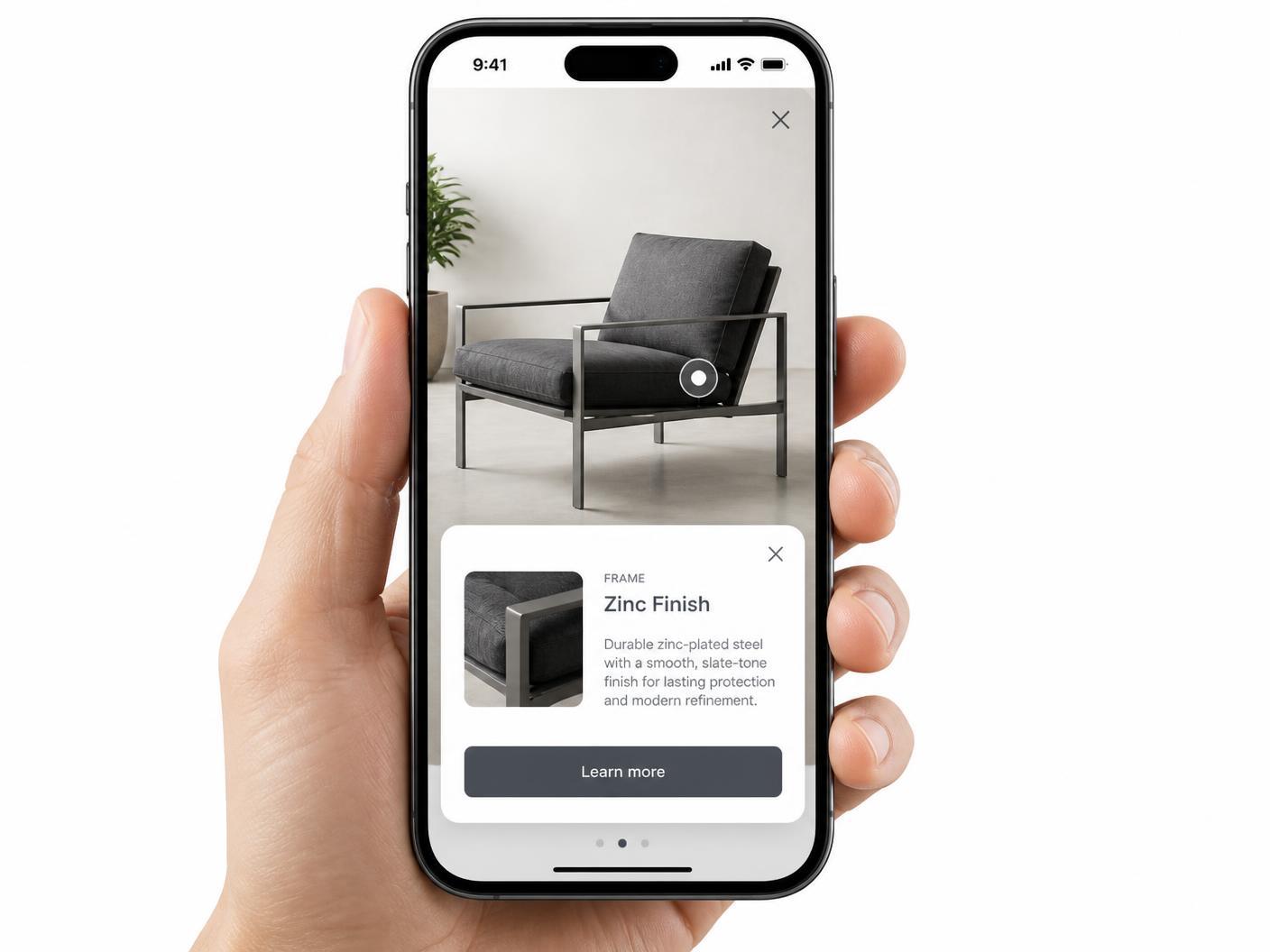
Most buyers browse listings on a phone, so hotspots are built as tap targets: tapping a room opens a full-width card instead of a hover tooltip that wouldn't work on touch — see hotspot alignment on mobile. Hotspots are also keyboard-navigable with alt text, so buyers using assistive technology can move through rooms in order — see image map accessibility.
Keeping the listing page indexable around the iframe
Most floor plans get emailed around as a flat PDF or JPEG that a buyer has to zoom into on their phone to read the room labels. A clickable version puts the label, the square footage, and a photo one tap away, which matters most for the rooms buyers actually care about — kitchen finishes, closet space, or whether the garage fits two cars. Because the plan itself is an iframe, keep the address, price, bed/bath count, and square footage as real text on the page around the embed — that's what search engines index and what turns up in results. Pair it with the interactive image maker or check a clickable floor plan example for layout ideas.
Try it, then build yours
Bring a floor plan to life, room by room
Explore this sample office layout. Each dot opens a room’s details; the same approach works with your own apartment, venue, or property plan.
- 1
Bring the plan you already have
Export your floor plan as a clear PNG or JPG. Keep room labels readable and remove any private information before uploading.
- 2
Make rooms useful to visitors
Place a dot inside each room. Add its name, size, a photo, and a link to a listing or inquiry form. Availability is information you maintain manually.
- 3
Preview, publish, and embed
Check room placement in the phone preview, publish your plan, and copy the embed code to your property or venue page.
Before publishing: confirm room names and measurements, review availability, and test each inquiry link.
Continue exploring
Need it built for you?
Big maps, bulk hotspots, custom designs or integrations, built by our team at Upcode.
Turn any image into a guided experience.
Free forever plan. Paste one iframe into your site and ship.
Create your interactive image