

Use case · Retail & distribution
A store locator your visitors can actually click through.
Put a marker on every store, showroom, or authorized dealer. Each one opens a card with hours, address, and a directions button — on a real map or your own branded illustration.
Free forever plan · No credit card · Works in Wix, Webflow, WordPress, Shopify, Squarespace
Real maps or illustrations
Use a live geographic map for physical addresses, or a custom territory graphic when you want a branded look.
Directions in one tap
Each card can carry a Get directions button that opens the visitor's map app with the route already set.
One embed, every platform
The same iframe works in Wix, Webflow, WordPress, Shopify, and Squarespace — no locator plugin per platform.
What you get
- One marker per store, showroom, or dealer
- Hours, address, phone, and a photo in every card
- Directions button that opens Google or Apple Maps
- Works for dealer networks and sales territories
- Update a location once — every embed refreshes
- No plugin, no developer, no per-location page build
Import your directory and help visitors find a store
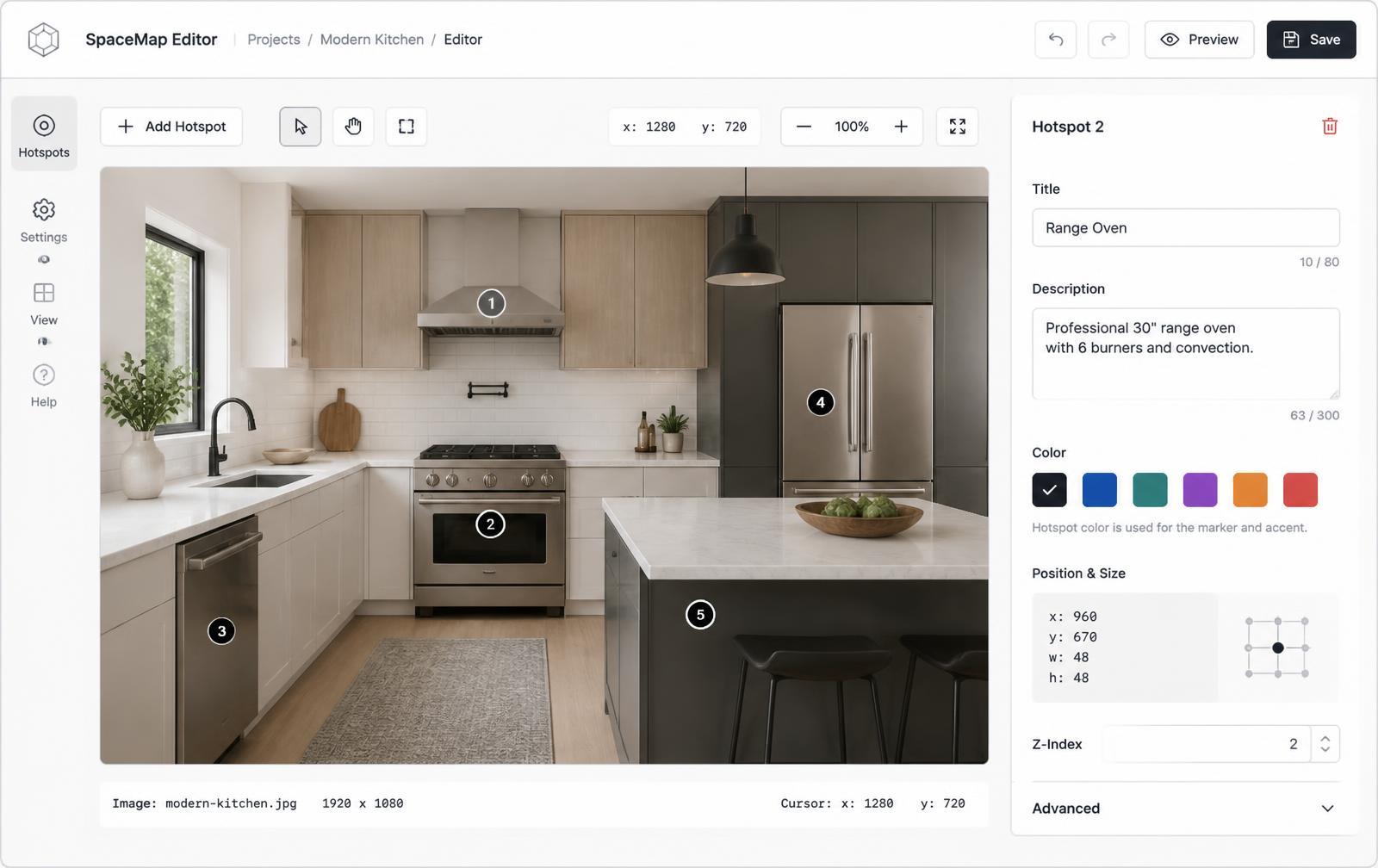
Start with a Mapbox map. Use Import locations to match and review a CSV, or connect a published Google Sheet with coordinates and stable row IDs. Search an address to add a single store. Review imported points before publishing.
In Map settings, enable visitor search, categories and tags, the location list, and Group nearby pins. Find nearby locations asks for permission when used. Directions links open Google or Apple Maps; they do not provide navigation inside the embed.
Use Manage locations for selected bulk changes. Keep store-specific hours, addresses, photos, and contact links in each location's Content section.
What belongs in a location card
| Field | Example | Why it's there |
|---|---|---|
| Location name | Northside Showroom | Confirms what was clicked |
| Address | Street, city, ZIP | The first thing visitors look for |
| Hours & phone | Mon–Fri 8–5 | Prevents a wasted trip or call |
| Button | Get directions | Turns a click into a visit |
Why generic image map tools fall short here
Classic image map generators only produce clickable regions with links — no cards, no hours, no directions, and no real map underneath. That means either a flat picture of a map with coordinates you maintain by hand, or a heavy locator plugin tied to one CMS. Interactive Image gives you both options in one editor: a live geographic map when the addresses are real, or your own illustration when the look matters more, with a full content card behind every marker. See the comparison with Image-Map.net or Google My Maps.
On a phone, where most locator traffic comes from
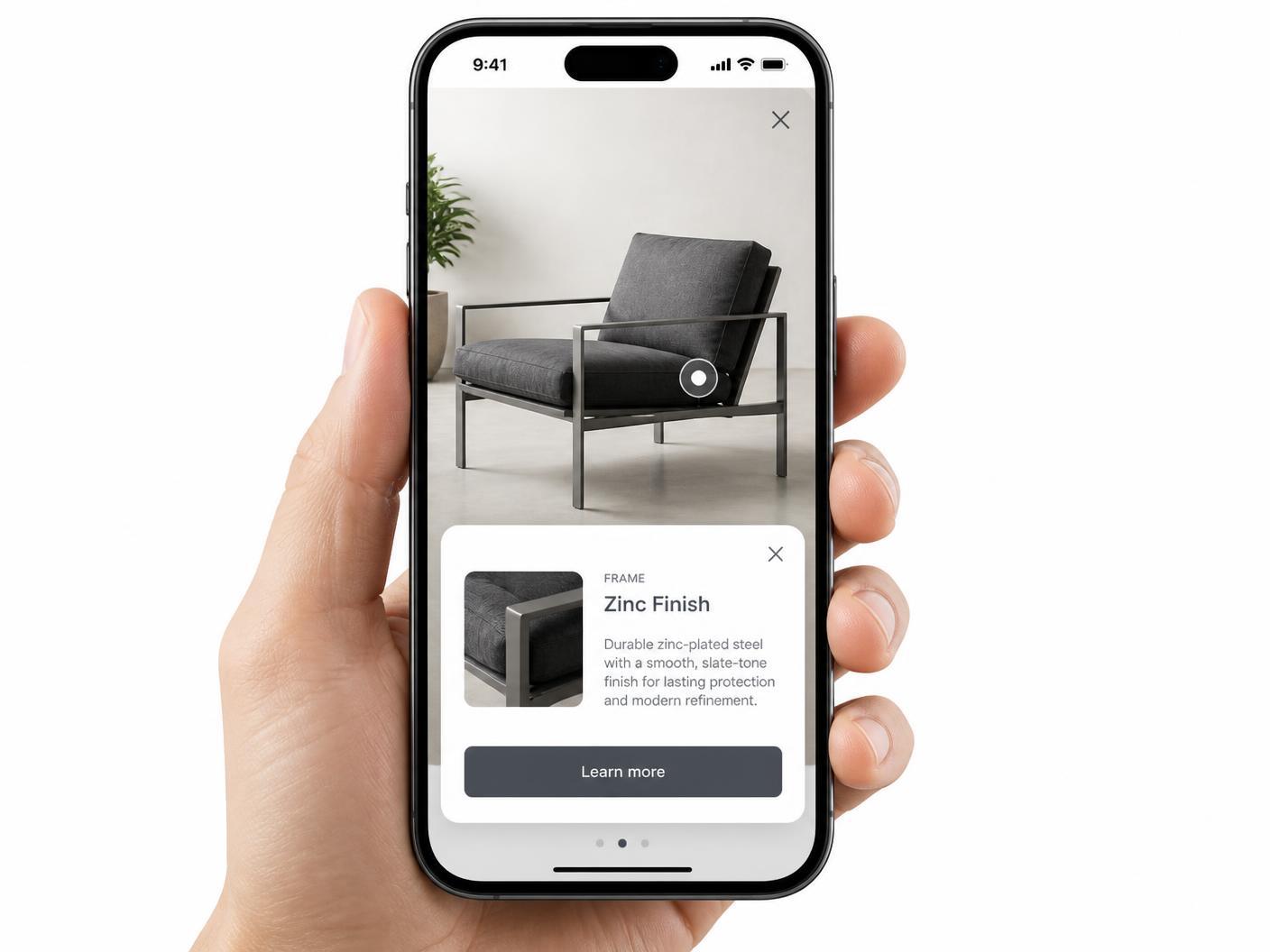
Locator pages are overwhelmingly opened on phones, usually by someone standing outside already looking for you. Markers are sized as tap targets and the card opens full width instead of as a hover tooltip, so nobody has to pinch-zoom to read an address — more on that in hotspot alignment on mobile.
Continue exploring
Need it built for you?
Big maps, bulk hotspots, custom designs or integrations, built by our team at Upcode.
Turn any image into a guided experience.
Free forever plan. Paste one iframe into your site and ship.
Create your interactive image