

How it works
One visual. A guided experience.
Interactive Image separates the artwork from the interaction layer, so you can turn a familiar image into a responsive, useful experience without rebuilding the page around it.
Free forever plan · No credit card · Works in Wix, Webflow, WordPress, Shopify, Squarespace
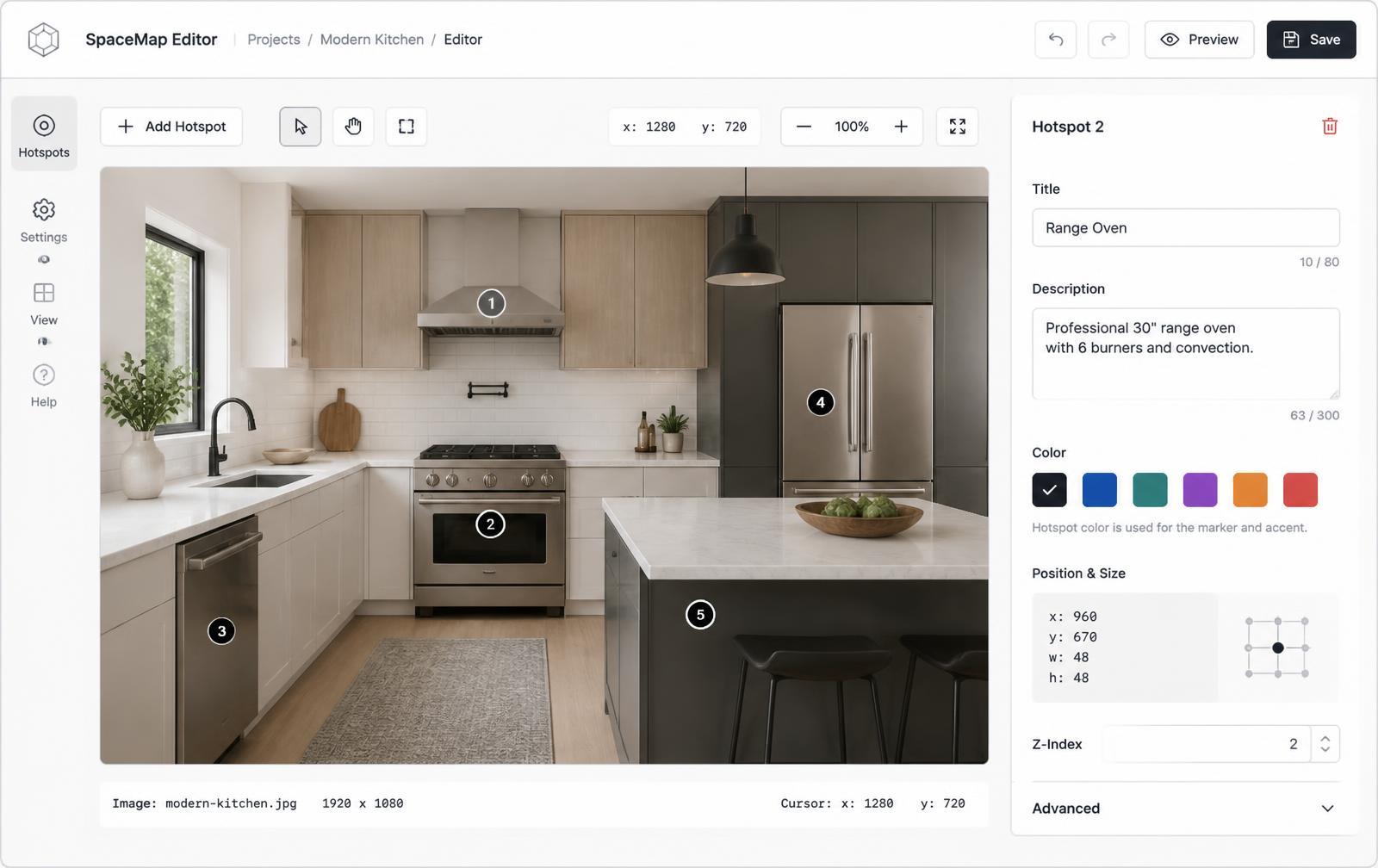
Your visual
Start with the photo, diagram, plan, or map that already explains the subject.
Your hotspots
Place markers exactly where the visitor should look, with positions that scale.
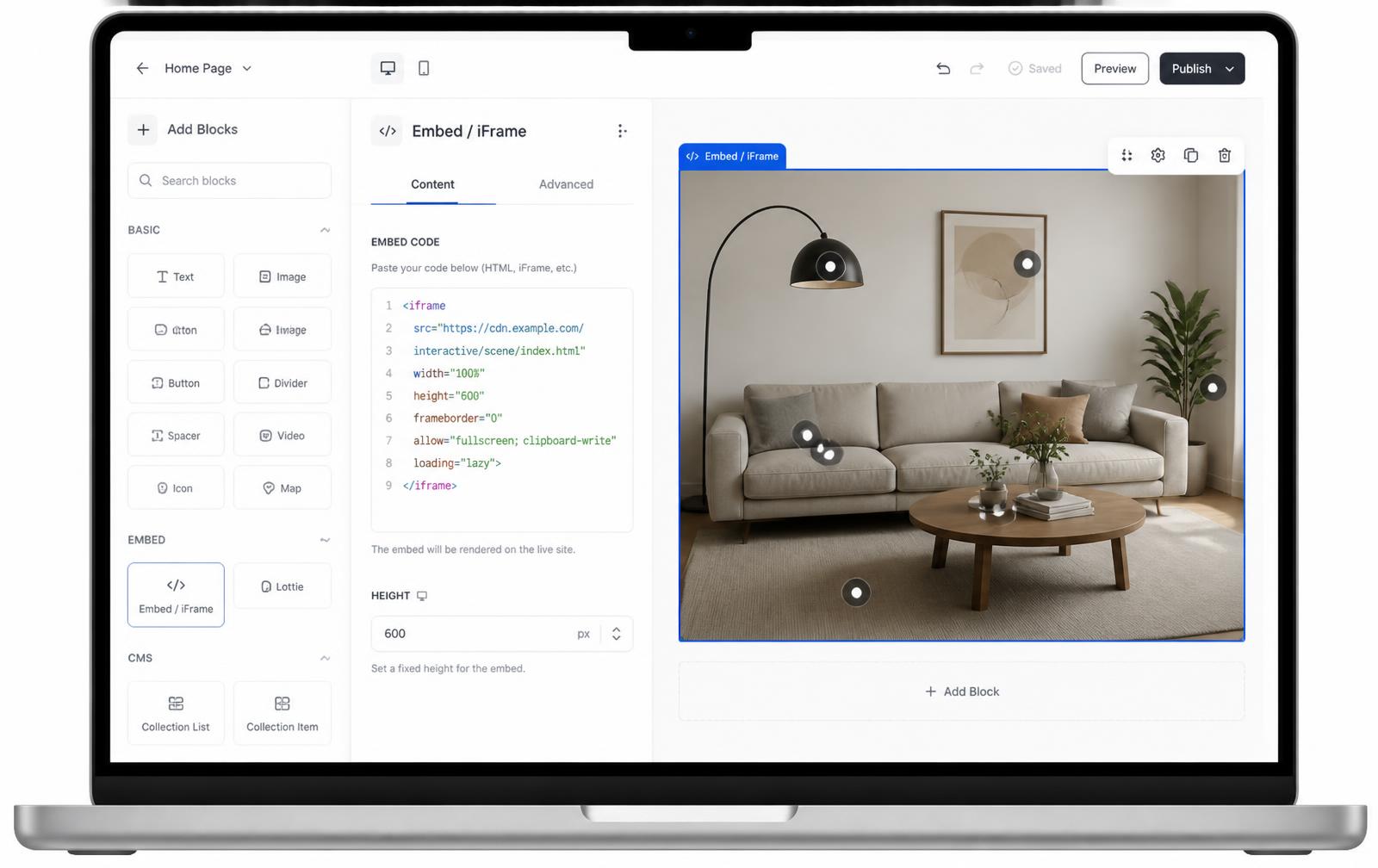
Your embed
Publish one hosted iframe that carries the image, cards, and future updates.
What you get
- Upload once and keep the source visual intact
- Place dots, numbers, pins, and plus markers
- Attach text, photos, video, CTAs, and categories
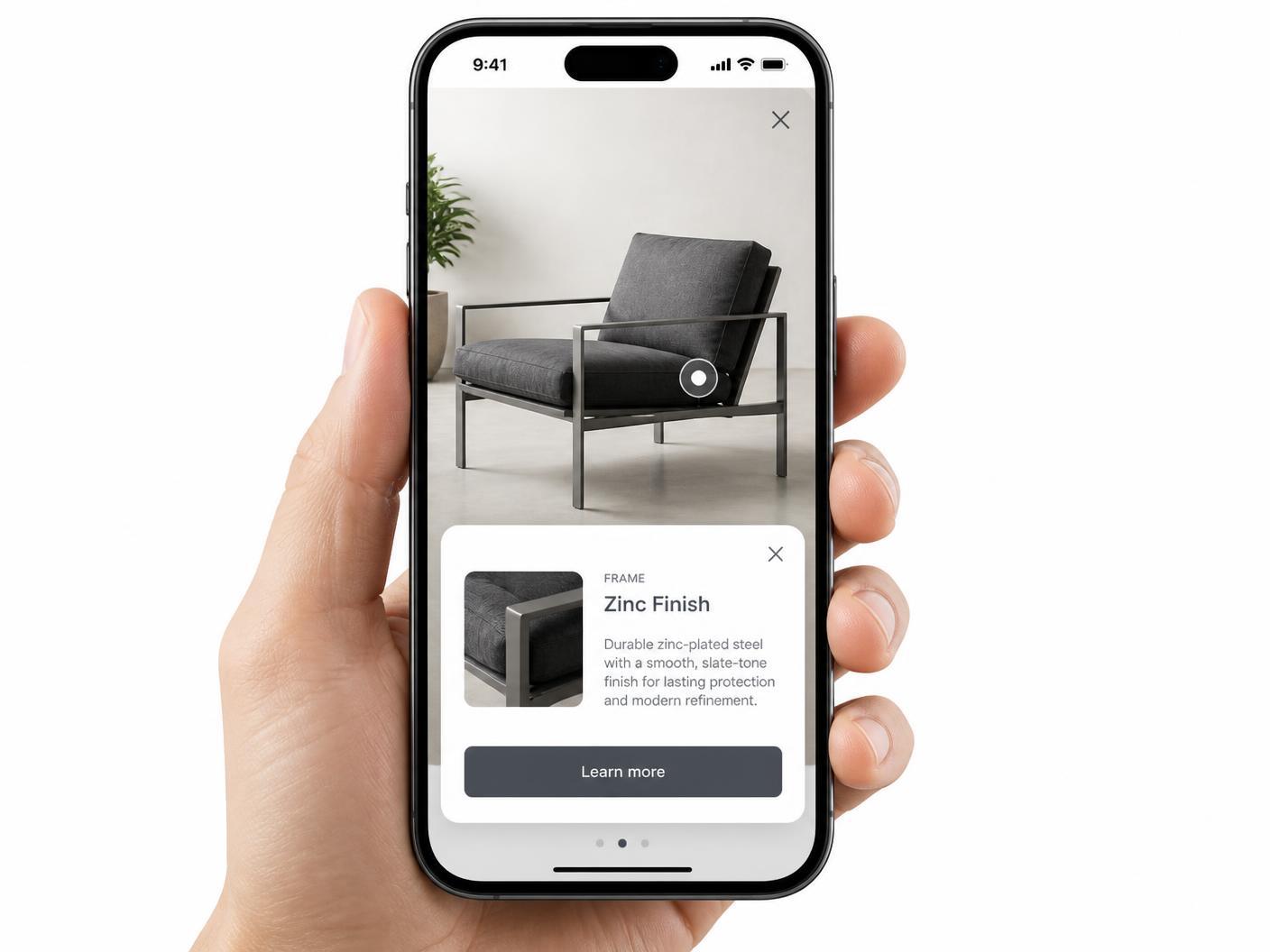
- Use popup cards or focused lightbox views
- Keep markers aligned on desktop, tablet, and phone
- Edit the published experience without re-pasting
The five-part workflow
- 1
Start with a visual
Upload the image your audience already understands: a product, place, object, or plan.
- 2
Place the hotspots
Click or drag markers onto the points that need explanation or a next action.
- 3
Add the context
Write a concise card and add media or a link when the detail needs more than words.
- 4
Style and check
Use a marker style and card treatment that contrast with the image, then test touch and keyboard behavior.
- 5
Publish once
Copy the iframe into your site and keep the hosted visual current from the builder.
What the iframe is responsible for
| Layer | What it does |
|---|---|
| Your page | Reserves the responsive space and places the embed where the visual belongs. |
| Hosted visual | Serves the current image or map and its published hotspots. |
| Hotspot content | Opens the right popup, map view, or lightbox for the selected marker. |
| Responsive positioning | Measures the rendered image so every marker stays attached as it scales. |
| Live updates | Lets a later edit reach every page using the same iframe. |
The same workflow works across formats
Continue exploring
Need it built for you?
Big maps, bulk hotspots, custom designs or integrations, built by our team at Upcode.
Turn any image into a guided experience.
Free forever plan. Paste one iframe into your site and ship.
Create your interactive image