

Lightboxes
Open focused detail views without leaving the visual.
Let visitors move from a precise hotspot to a richer, media-led view — then return to the image when they are done exploring.
Free forever plan · No credit card · Works in Wix, Webflow, WordPress, Shopify, Squarespace
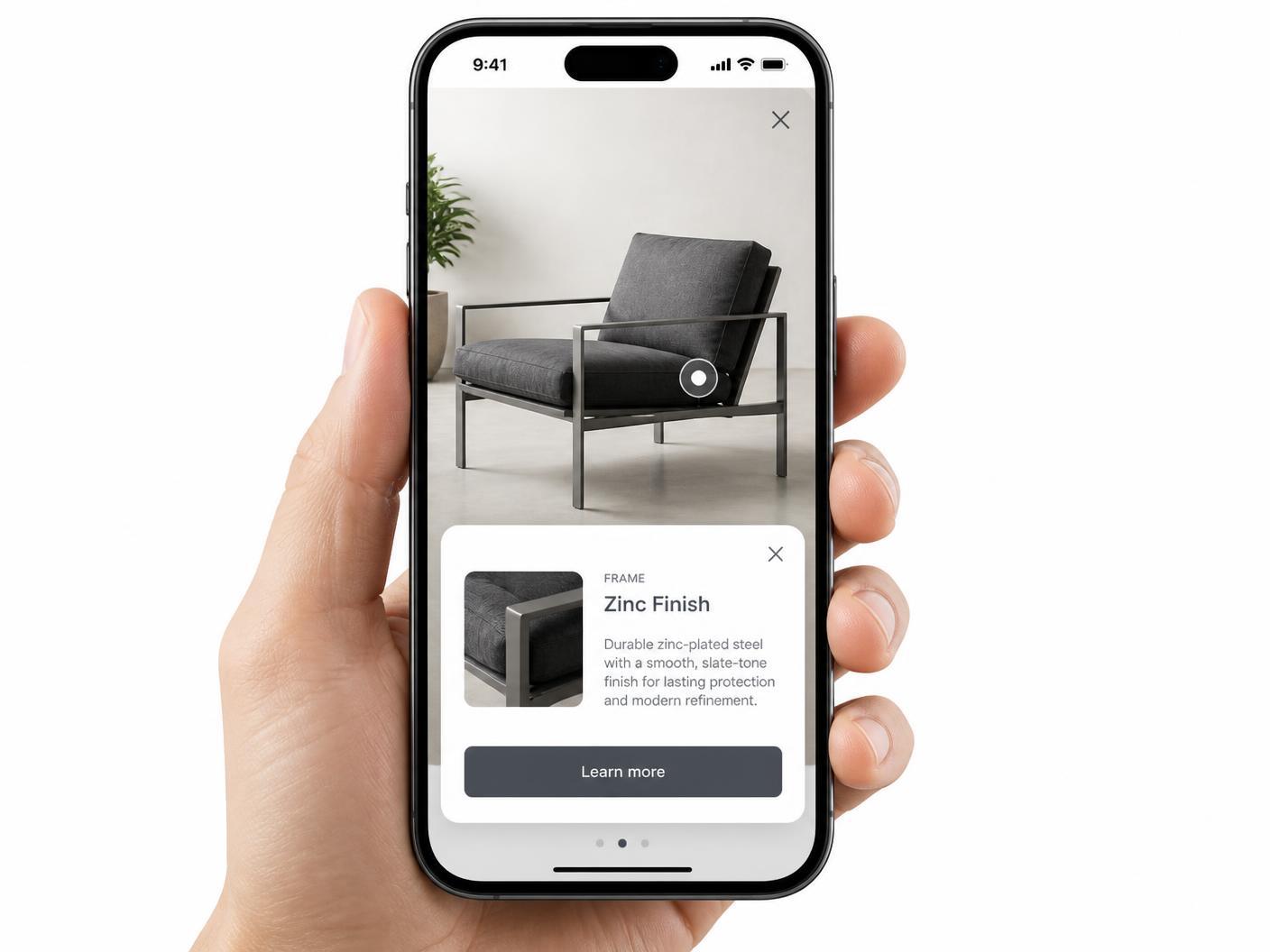
More room for detail
Give a key part of a visual its own focused layout with room for larger media and clearer reading.
Media-led storytelling
Use a close-up photo, demonstration video, or supporting visual when the hotspot needs more than a sentence.
A clean return path
Visitors close the view and go straight back to the image, keeping the visual exploration intact.
What you get
- Large image area with focused card copy
- Optional video, description, and CTA
- Works from image hotspots and map pins
- Responsive full-width layout on mobile
- Keyboard-friendly dialog behavior
- One iframe that updates everywhere
A focused view for the moments that deserve it
Not every point needs the same amount of explanation. A short popup is perfect for a label or quick specification. A lightbox is better when the visitor should inspect a larger image, watch a clip, compare details, or read a fuller explanation before returning to the visual.
Spot
A marker keeps the starting point precise.
Focus
A larger view gives the detail room to breathe.
Return
Close the card and continue exploring the original visual.
Try a focused view
Focused view preview
Select a pin to open the larger card.
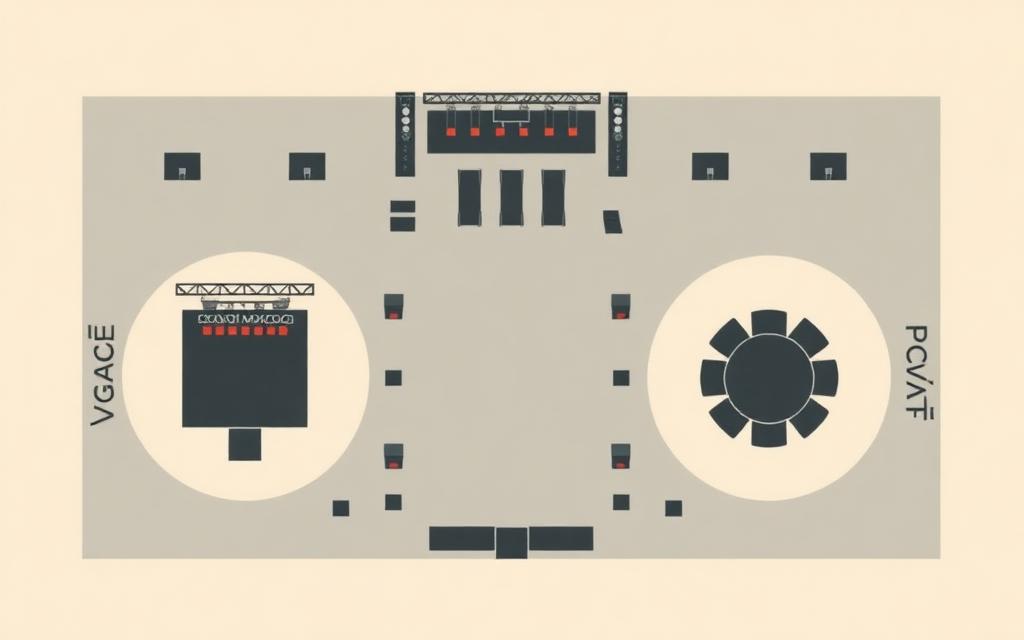 Click a point to focus
Select any pin to see the larger card pattern. The same interaction can sit on a product shot, venue map, floor plan, or annotated diagram.
Choose the right amount of space
Use a popup card for speed, a lightbox for depth, and a map view when place and directions are the main point. Mixing these actions across one image keeps the experience clear instead of forcing every hotspot into the same layout.
| Use | Space | Good fit |
|---|---|---|
| Popup card | Compact | Labels, specs, short explanations |
| Lightbox | Focused | Photos, video, richer detail |
| Map view | Location-led | Directions, addresses, destinations |
Designed for touch as well as desktop
A lightbox should never depend on hover. On desktop, a visitor can click or focus a marker. On a phone, tapping opens the focused view and the close control stays within reach. The responsive layout keeps the media and text readable at the same time.
Publish once and refine the detail later
Add the finished visual to any site with one iframe. When the image, focused card, CTA, or video changes in the builder, every embed receives the latest version. Start with the interactive image maker or pair lightboxes with the companion interactive map maker.
Continue exploring
Need it built for you?
Big maps, bulk hotspots, custom designs or integrations, built by our team at Upcode.
Turn any image into a guided experience.
Free forever plan. Paste one iframe into your site and ship.
Create your interactive image