

Use case · Hospitality
Property maps guests explore before they arrive.
Turn a resort map or room photo into clickable hotspots pointing out pools, restaurants, amenities, and views — before booking and during the stay.
Free forever plan · No credit card · Works in Wix, Webflow, WordPress, Shopify, Squarespace
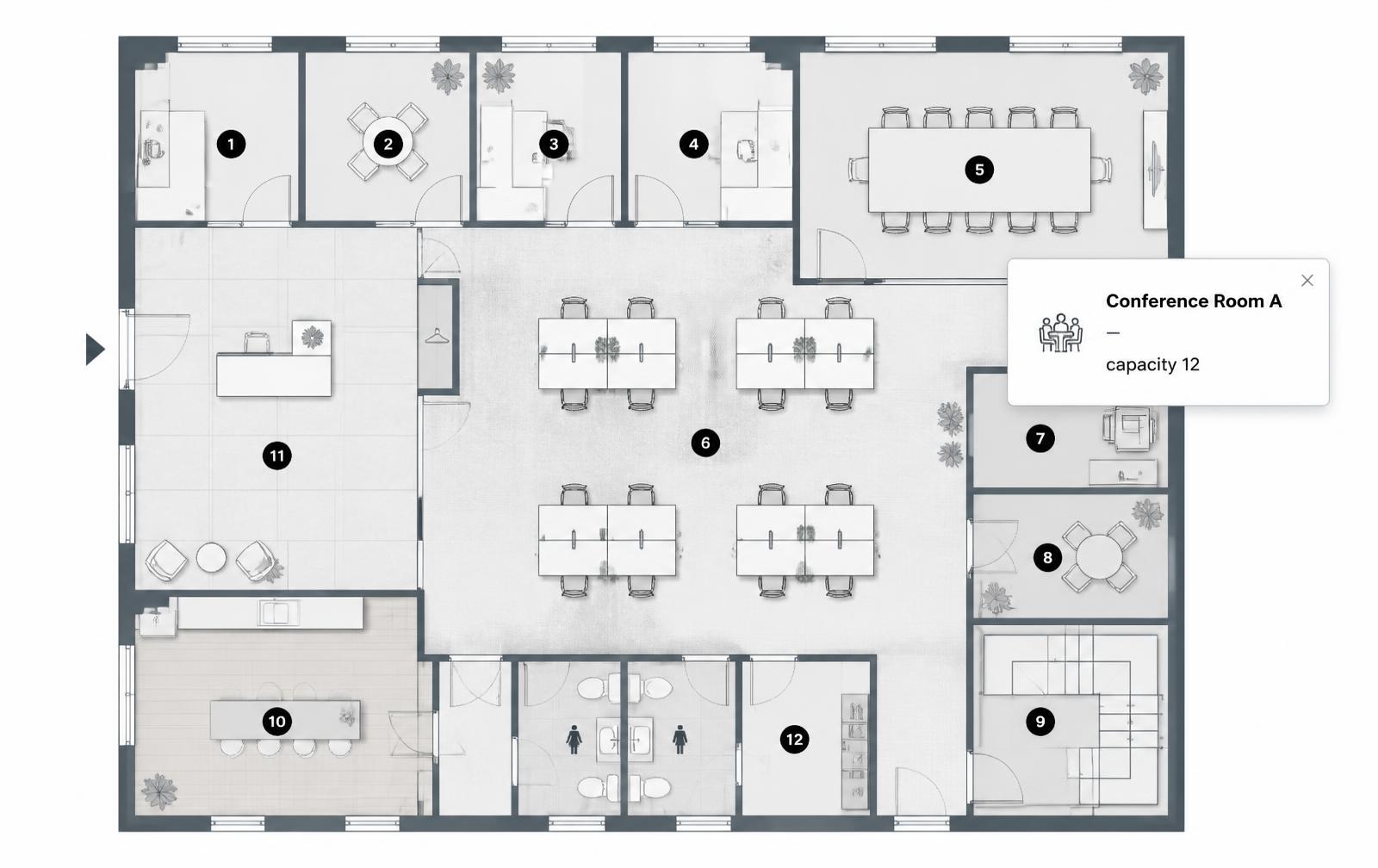
Resort wayfinding maps
Mark pools, restaurants, event spaces, and parking on a property map guests can click through on their phone.
Room amenity callouts
Point out the minibar, safe, view, or bathroom finish on a single room photo instead of a six-image gallery.
QR-friendly on-site
Link a QR code in the room or at check-in straight to the embedded map for wayfinding during the stay.
What you get
- Great for resort maps, room photos, and venue layouts
- Works before booking on the website and on-site via QR code
- Reduces the need for a large room photo gallery
- Highlight amenities, views, and accessibility features per room
- Update seasonal amenities without reprinting a paper map
- No app download required for guests
What to write in each amenity hotspot
| Amenity | Hotspot title | Popup content |
|---|---|---|
| Restaurant | The Grove | Cuisine, hours, CTA to reserve |
| Pool | Rooftop pool | Season/hours, towel service note |
| Room feature | Minibar | What's stocked, pricing note |
| Event space | Ballroom B | Capacity, layout photo, inquiry link |
Building a property map guests will actually use
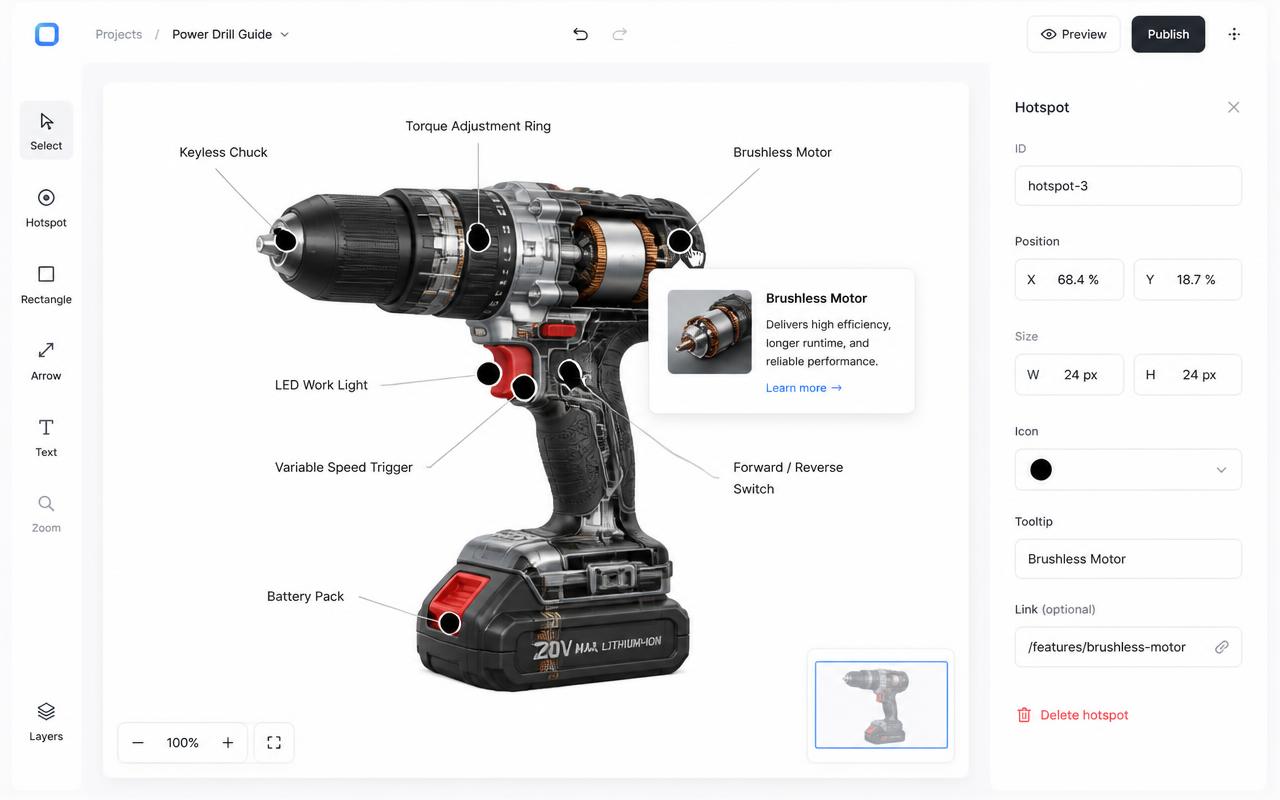
- Upload your property map or a representative room photo to Interactive Image.
- Place hotspots on pools, restaurants, event spaces, or in-room amenities.
- Add a short description and, where useful, a photo or booking link to each hotspot.
- Embed the map on your booking website and/or link it from a QR code in guest rooms.
- Update seasonal amenities (a closed pool, a new restaurant hours) without reprinting anything.
Where guests see it: property page and on-site
On the booking website, the map lives on the property or amenities page, giving a prospective guest a feel for the layout before booking. On-site, the same embedded page works behind a QR code at check-in, in the room, or on printed wayfinding signs — no app install, just a phone browser.
Mobile tap behavior and accessibility
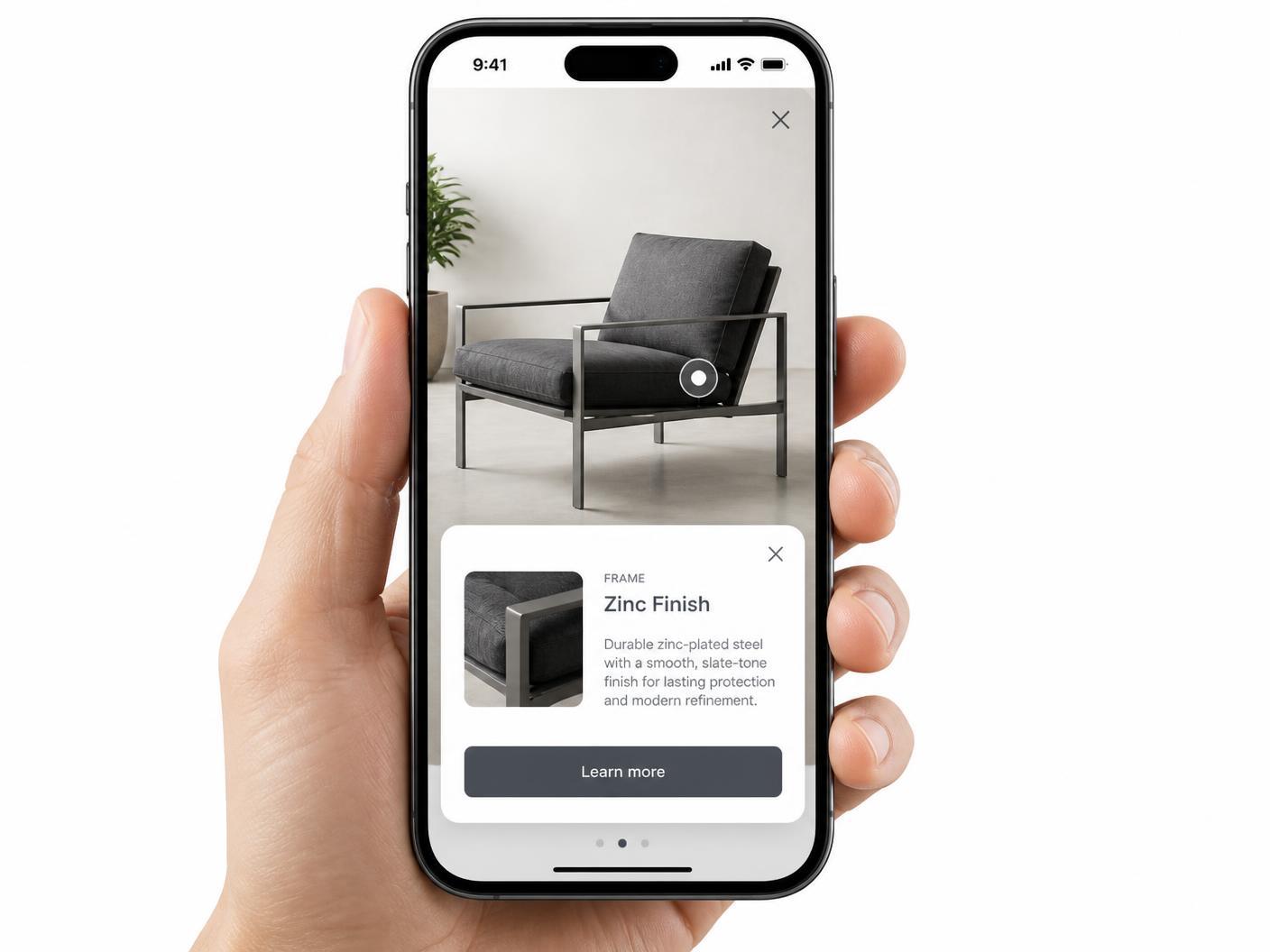
Since most guests interact with this on a phone, hotspots are tap targets and popups open as full-width cards, not hover tooltips — see hotspot alignment on mobile. Each hotspot is keyboard-navigable with alt text as well, which matters for guests using assistive technology both on the booking site and on-site — see image map accessibility.
Keeping the property page indexable around the iframe
Printed resort maps go stale the moment a restaurant changes its hours or a pool closes for maintenance, and most guests never unfold the paper map anyway. A digital hotspot version solves both problems — it's editable in minutes, and a QR code makes it available on the phone guests already have in hand. Because the map itself is an iframe, list amenity names, restaurant names, and room types as plain text on the property page around it, since that's what a prospective guest's search actually matches, not the embedded content. See real estate use cases for a related approach to floor plans, or explore a venue map example.
Try it, then build yours
Build a map visitors can explore
This sample uses an illustrated venue map. For a street map or store locator, choose Mapbox map in your account instead and add real addresses.
- 1
Choose artwork or geography
Choose Image map for a venue illustration, or Mapbox map for real locations. Select the format when you create the map.
- 2
Add places and useful details
Place dots on your artwork, search an address and choose Add pin, or use Import locations for a CSV. Add a title, photo, category, and useful destination link.
- 3
Check the visitor’s starting point
On a geographic map, use Set starting view to save the area visitors see first. Preview the map, publish, and copy its embed code.
Before publishing: check addresses and category filters, open each location card, and test the map at your website’s mobile width.
Continue exploring
Need it built for you?
Big maps, bulk hotspots, custom designs or integrations, built by our team at Upcode.
Turn any image into a guided experience.
Free forever plan. Paste one iframe into your site and ship.
Create your interactive image