

How do I turn part of an image into a hyperlink?
Place a clickable point on that part of the image and give it a URL. If the whole picture should link to one place, an <a> tag around the <img> is enough; if different parts need different destinations, you need positioned points. Interactive Image generates both, free and in the browser.
Image hyperlink generator
Turn any part of an image into a hyperlink.
Place clickable points on a photo, attach a link and an info card to each one, and embed the finished image anywhere — no HTML image map code required.
Free forever plan · No credit card · Works in Wix, Webflow, WordPress, Shopify, Squarespace
Try linking parts of an image
Add a link to each hotspot and preview the result instantly — no <map> tag, no pixel coordinates. Free account to publish and embed.
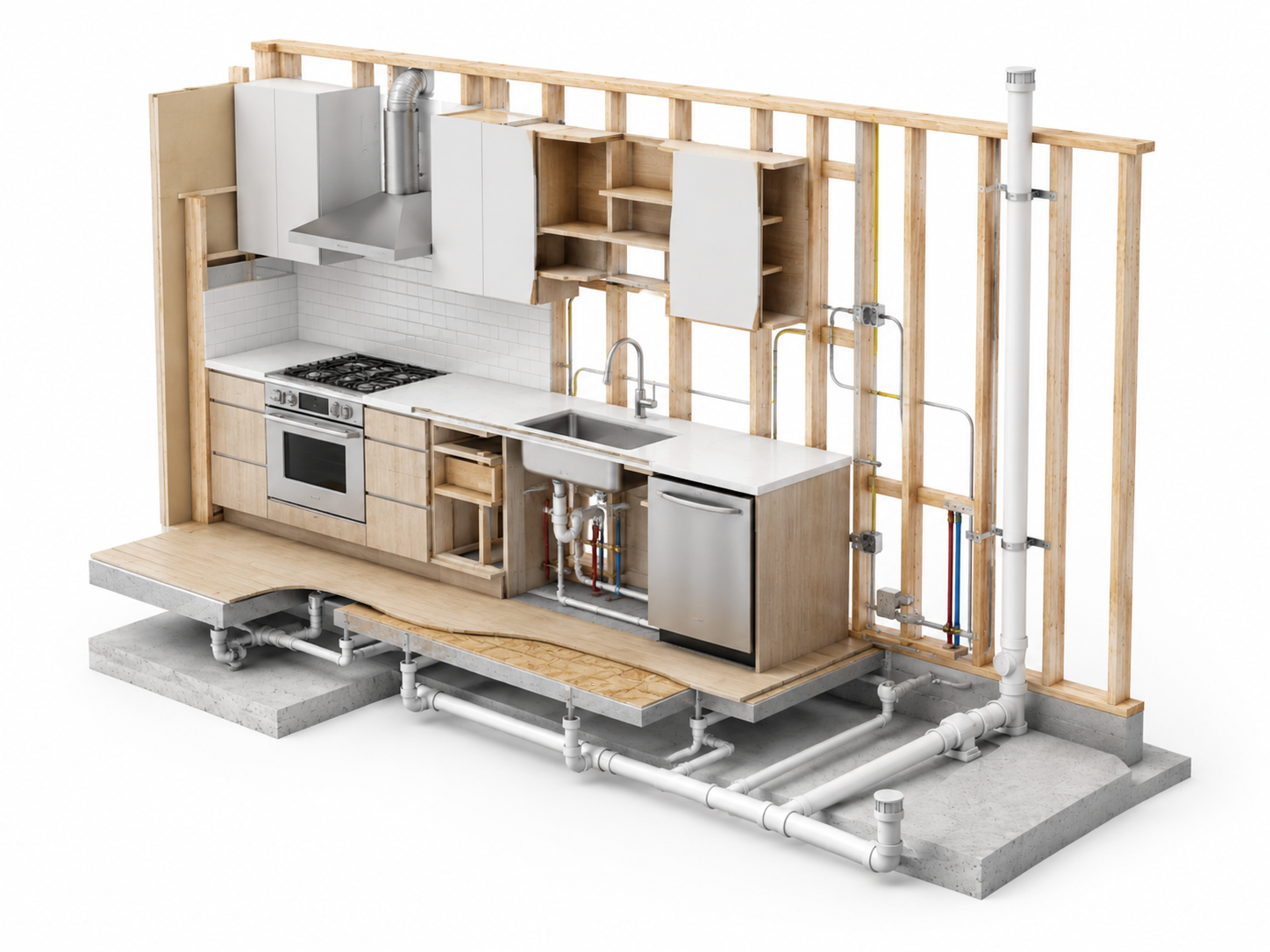
This is a live demo — nothing here is published yet. Create a free account to publish your image and get a one-line embed code for Wix, Webflow, WordPress, Squarespace or plain HTML, with hosted images, images and video in the cards, CTA buttons and edits that go live instantly. Free includes 1 published image with the Interactive Image badge; Pro removes the badge and unlocks white-label embeds.
Many links, one image
Each point carries its own destination URL, so one photo can route visitors to dozens of pages.
More than a bare link
A linked point can also show a title, description, photo, or video before the visitor clicks through.
Never breaks on resize
Points are stored as percentages of the image, so links land correctly on every device and breakpoint.
What you get
- Unlimited linked points per image
- Optional info card with photo, video, and description
- Links open in the same tab or a new one
- Works in Wix, WordPress, Webflow, Squarespace, and Shopify embeds
- Edit the links once — every embed updates
How to create image hyperlinks
- Upload the image you want to make clickable.
- Click Add dot and drag the marker onto the area you want linked.
- Fill in the title and description, then paste the destination URL as the point's call to action.
- Repeat for every linked area, then copy the embed snippet into your site.
The three ways to hyperlink an image
Which one you need depends on whether the whole image is one link, or different parts go to different places.
1. One link for the whole image
<a href="/pricing">
  <img src="banner.jpg" alt="See pricing plans" style="max-width:100%;height:auto">
</a>
Simple and fully responsive. The alt text is the link text as far as crawlers and screen readers are concerned, so describe the destination, not the picture.
2. Several links, hand-coded as a percentage overlay
<div style="position:relative;display:inline-block;max-width:100%">
  <img src="diagram.png" alt="Product diagram" style="display:block;width:100%;height:auto">
  <a href="/parts/valve"
     style="position:absolute;left:42%;top:38%;width:8%;height:8%"
     aria-label="Valve assembly"></a>
  <a href="/parts/duct"
     style="position:absolute;left:71%;top:22%;width:8%;height:8%"
     aria-label="Duct run"></a>
</div>
This is responsive because every offset is a percentage. It is a reasonable option for three or four static links you rarely touch. You are on the hook for focus styles, hover cards, and editing markup on every page whenever a link changes.
3. Several links, managed visually
<iframe
  src="https://interactiveimage.com/embed/your-map-id"
  style="width:100%;border:0;aspect-ratio:1.6;overflow:hidden;display:block;"
  scrolling="no"
  loading="lazy"
  title="Clickable product diagram"
></iframe>
Same percentage maths, but you click to place points, each one gets a real card with text and media, and the links live in one place instead of being duplicated in every page's markup.
Getting the link itself right
- Use absolute URLs. The embed is its own document, so
/pricingwould resolve against the embed, not your site. Paste the fullhttps://URL. - Open external links in a new tab. Keep your own pages in the same tab so the back button behaves as visitors expect.
- Add tracking to the destination. UTM parameters on the link URL show up in your normal analytics — no extra setup needed to see which points earn clicks.
- Label every point. A point with a URL and no title is invisible to screen readers and confusing on hover. One short title is enough.
Where hyperlinked images pay off
- Shoppable lookbooks — each product in a lifestyle photo links to its own product page.
- Parts diagrams — every component links to its spec sheet or SKU.
- Floor plans — each unit links to its listing or booking form.
- Venue and campus maps — each location links to its detail page.
Why not use an HTML image map?
The classic <map> and <area> tags pin each hyperlink to fixed pixel coordinates. The moment the image scales — a narrower column, a phone, a retina screen — the clickable regions drift away from what they're supposed to cover. A percentage-based approach avoids that entirely. See the full comparison.
Where to paste your hyperlinked image
- Wix: Add Elements → Embed Code → Embed HTML, then paste the snippet. Wix guide.
- Squarespace: add a Code block and paste. Squarespace guide.
- WordPress: add a Custom HTML block and paste. No plugin needed.
- Email: email clients block embeds, so link the whole image to the page that hosts the interactive version.
Continue exploring
Frequently asked questions
Can I track clicks on the linked areas?
The destination URL is a normal link, so any analytics or UTM parameters you already use on that page will record the visit.
Do I need to know HTML?
No. You place the points visually and copy one iframe snippet into your site builder.
Need it built for you?
Big maps, bulk hotspots, custom designs or integrations, built by our team at Upcode.
Turn any image into a guided experience.
Free forever plan. Paste one iframe into your site and ship.
Create your interactive image