

Gift merch: four checks before buying
An interactive gift-merch checklist for tee size, desk space, budget and delivery timing. Clip Drop Store's own AI-assisted guide, with Amaze-only shopping links.
Shared publicly by its creator. Select a marker to explore, or read the project details below.
What's inside this interactive image
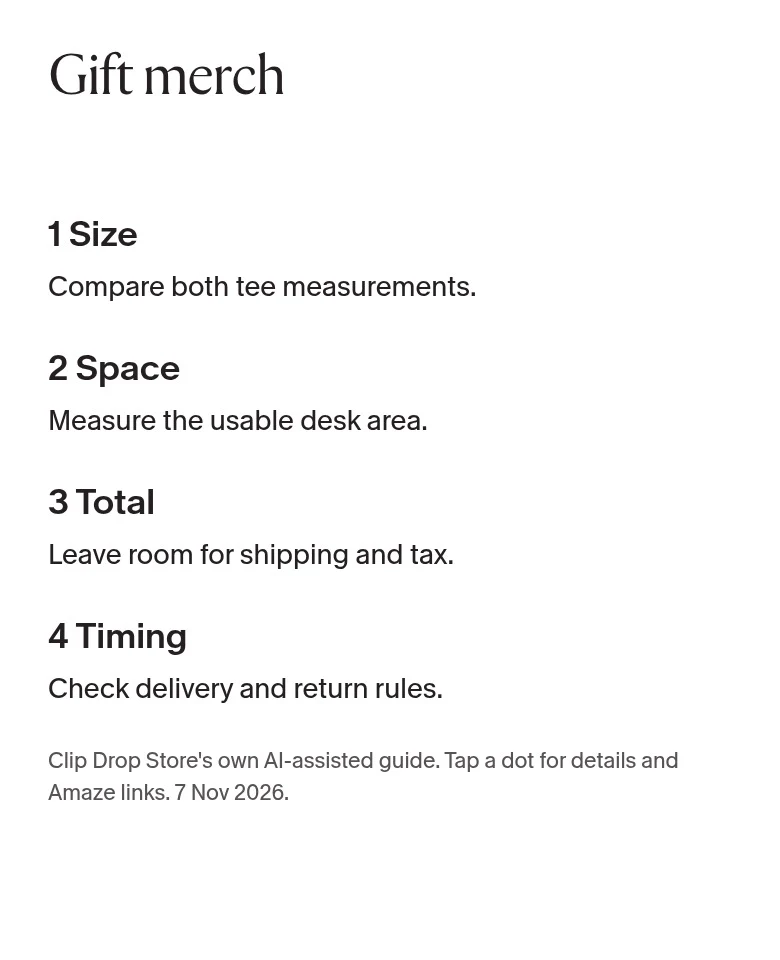
1. Check both tee measurements
Use a tee the recipient already likes. Lay it flat and compare both width and length with the exact listing's size chart, using the same units and measurement method. A familiar letter size is not enough. If you cannot check the measurements, skip the surprise tee rather than promise a fit. This is Clip Drop Store's own AI-assisted guide, not an independent review.
Check the tee chart on Amaze2. Check usable desk space
Measure the clear rectangle where the mat would go. Leave room for the monitor base, keyboard, mouse movement, cables and desk edges. Compare the listing's full width and depth in the same units. If space is uncertain, do not assume a desk mat is a safe gift. Clip Drop Store's own AI-assisted guide; use the live Amaze listing for product details.
Check desk products on Amaze3. Reserve money for the full total
For several gifts, subtract your reserve for shipping, tax and wrapping before dividing the remaining budget. Example only: a $100 budget minus a $20 reserve leaves $80, or $20 each for four gifts. This is arithmetic, not a store quote. Compare the live delivered total before paying. Clip Drop Store's own AI-assisted guide; no discount or free-shipping promise.
See current items on Amaze4. Check the date before promising it
Before paying, check that the shop serves the recipient's destination, then read the current delivery estimate and return rules for the exact item. An estimate is not a guaranteed arrival date. If it is too close to the occasion or the policy does not work for you, skip it. Clip Drop Store's own AI-assisted guide, not a delivery or return-policy promise.
Check the shop on Amaze
Build an interactive image like this one
Upload any photo, diagram, or floor plan, drop hotspots exactly where you want them, and paste one iframe into your site. Free plan, no code.
Start freeLearn more: interactive image maker · image map generator · guides