

Gallery · Product diagrams
Interactive product diagrams and exploded views.
These are working product diagrams: click a part to see its name, part number, spec detail, photo, or a link to buy or download a datasheet.
Free forever plan · No credit card · Works in Wix, Webflow, WordPress, Shopify, Squarespace
Published product diagrams
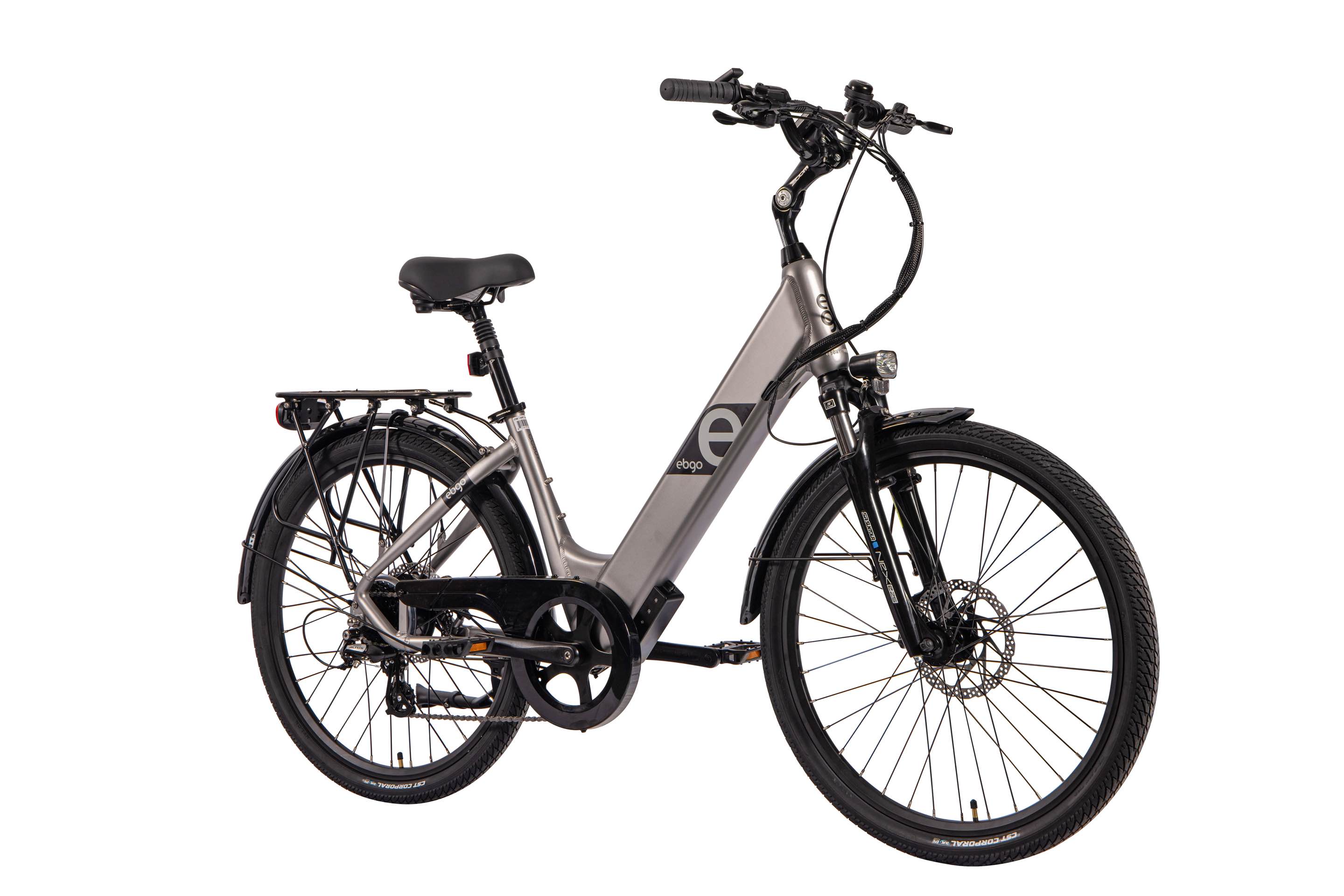
A product diagram works hard when every component can explain itself. Instead of a numbered key that forces the reader to look back and forth, each part carries its own card with a description, an image, and a call to action such as a spec sheet or an add-to-cart link.
Manufacturers and distributors use these on product pages and dealer portals, where the diagram often replaces several paragraphs of specification copy.
Other categories
Floor plans
Every plan on this page is a real published project you can click through, not a screenshot. Hover or tap a hotspot to see the room detail, photo, or link the owner attached to it.
Venue and event maps
Click any marker to see what a booth, stage, seat block, or building actually is — the same experience visitors get on the sites these maps are embedded in.
Manufacturing and systems
These maps document physical systems: click a component to see what it is, which product it corresponds to, and where to learn more.
Real estate
Click a lot, unit, or room to see the detail a buyer or renter actually asks for: availability, size, price, photos, and a way to inquire.
Education
Click the markers to see how teachers and course builders use hotspots to turn a single illustration into a guided lesson.
Retail and shoppable
Each marker on these images is a product. Click one to see the name, price note, photo, and the link the owner points at their store.
Everything else
Infographics, annotated screenshots, illustrations, timelines, and other one-off projects published by users.
Continue exploring
Frequently asked questions
Can hotspots include part numbers and links?
Yes. Each hotspot has a title, a description, an optional image, and an optional call-to-action link, so a part number can link straight to a shop page or PDF.
Can I group parts into filterable categories?
Yes. Hotspots can be assigned to categories, and the published map can show category filters so a viewer can isolate one subsystem at a time.
Need it built for you?
Big maps, bulk hotspots, custom designs or integrations, built by our team at Upcode.
Turn any image into a guided experience.
Free forever plan. Paste one iframe into your site and ship.
Create your interactive image