

Use case · Golf & resorts
A course and resort map guests can explore hole by hole.
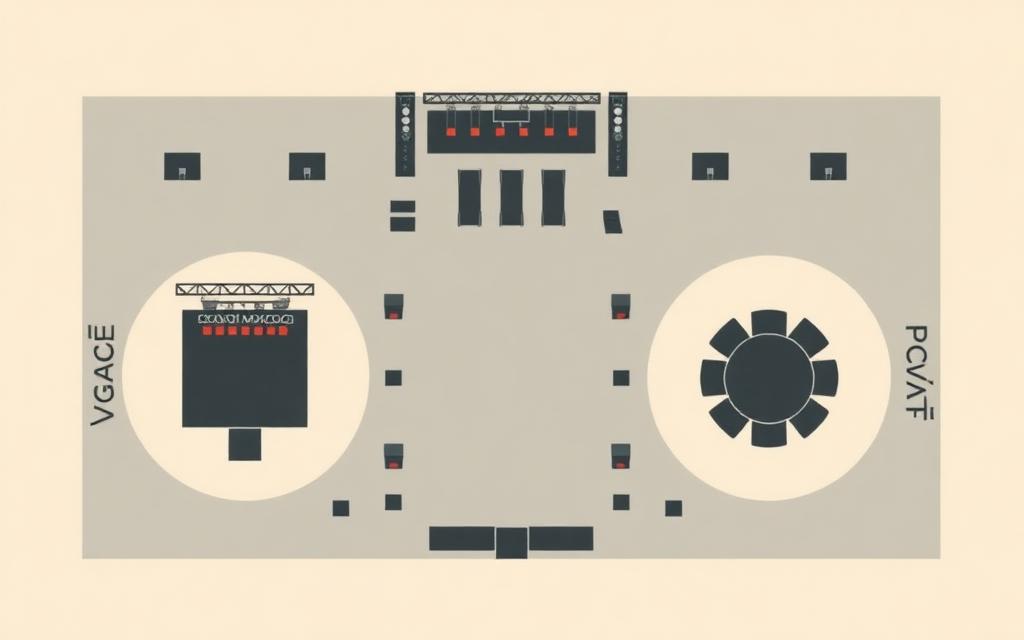
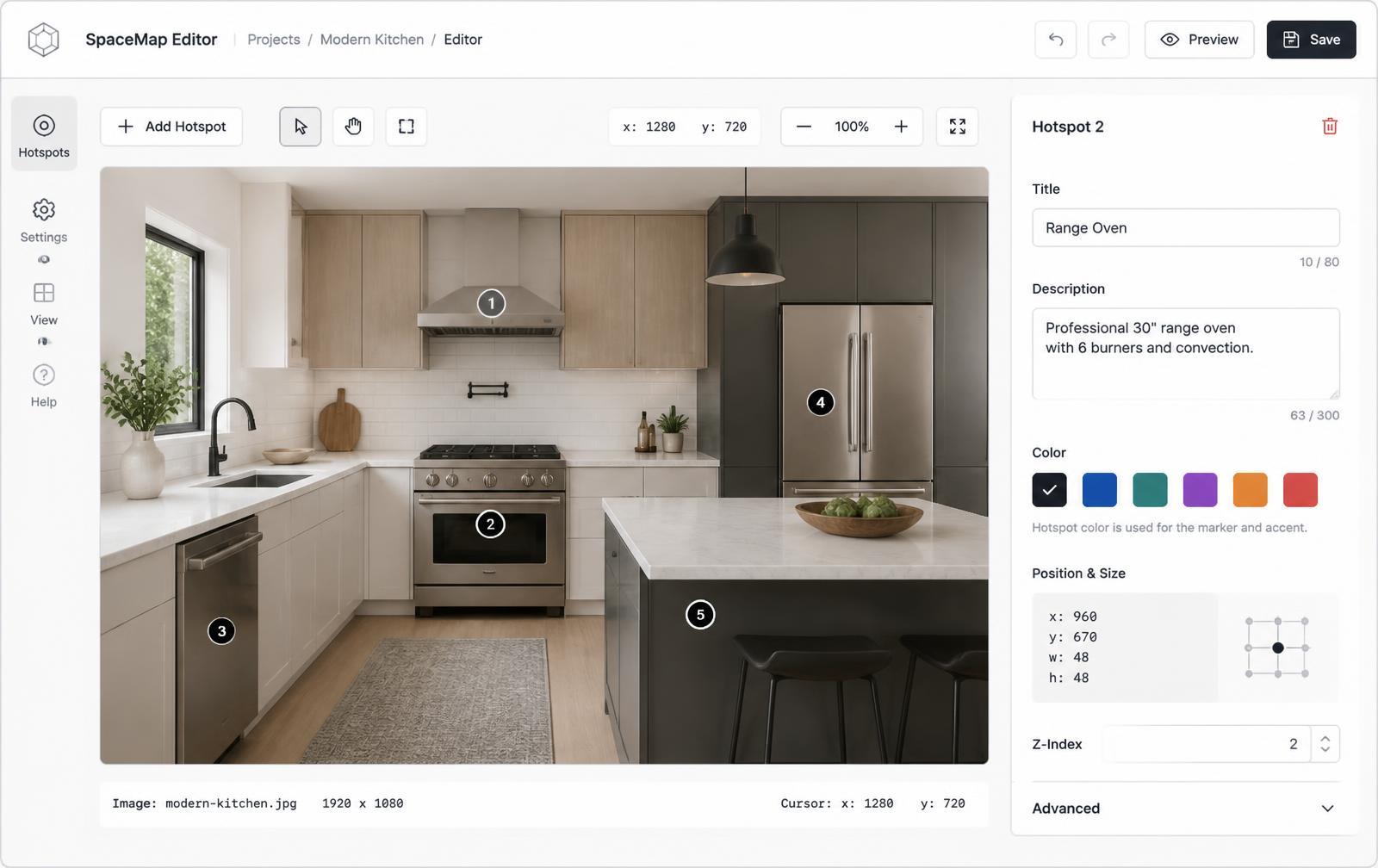
Place a marker on each hole and amenity. Every card holds yardage, photos, hours, and a booking link — on the routing illustration or an aerial of the property.
Free forever plan · No credit card · Works in Wix, Webflow, WordPress, Shopify, Squarespace
Hole-by-hole detail
Yardage by tee, par, a tee-box photo, and a short strategy note in each card.
Amenities that convert
Pool, spa, dining, and pro shop markers can link straight to booking.
Illustration or aerial
Use the routing plan for clarity, or an aerial photo when recognition matters more.
What you get
- One marker per hole, plus every guest amenity
- Yardage, par, and photos in each hole card
- Booking links on dining, spa, and tee times
- Seasonal hours and closures editable in seconds
- Works on the routing illustration or an aerial photo
- One embed for the course page, stay page, and partner sites
What to put in a hole card
| Field | Example | Why it's there |
|---|---|---|
| Hole | Hole 7 · Par 3 | Orients the golfer instantly |
| Yardage | 168 / 152 / 131 | The detail players look for first |
| Photo | View from the tee | Sells the round better than text |
| Button | Book a tee time | Turns browsing into a booking |
Why resorts outgrow flat maps and coordinate tools
A printed routing plan cannot carry booking links, and an HTML image map only produces clickable regions whose pixel coordinates break when the image scales on a phone. Markers stored as percentages stay aligned at every size, and each one holds a real content card — compare that with a hand-coded HTML image map or a WordPress image map plugin.
Guests are on their phones
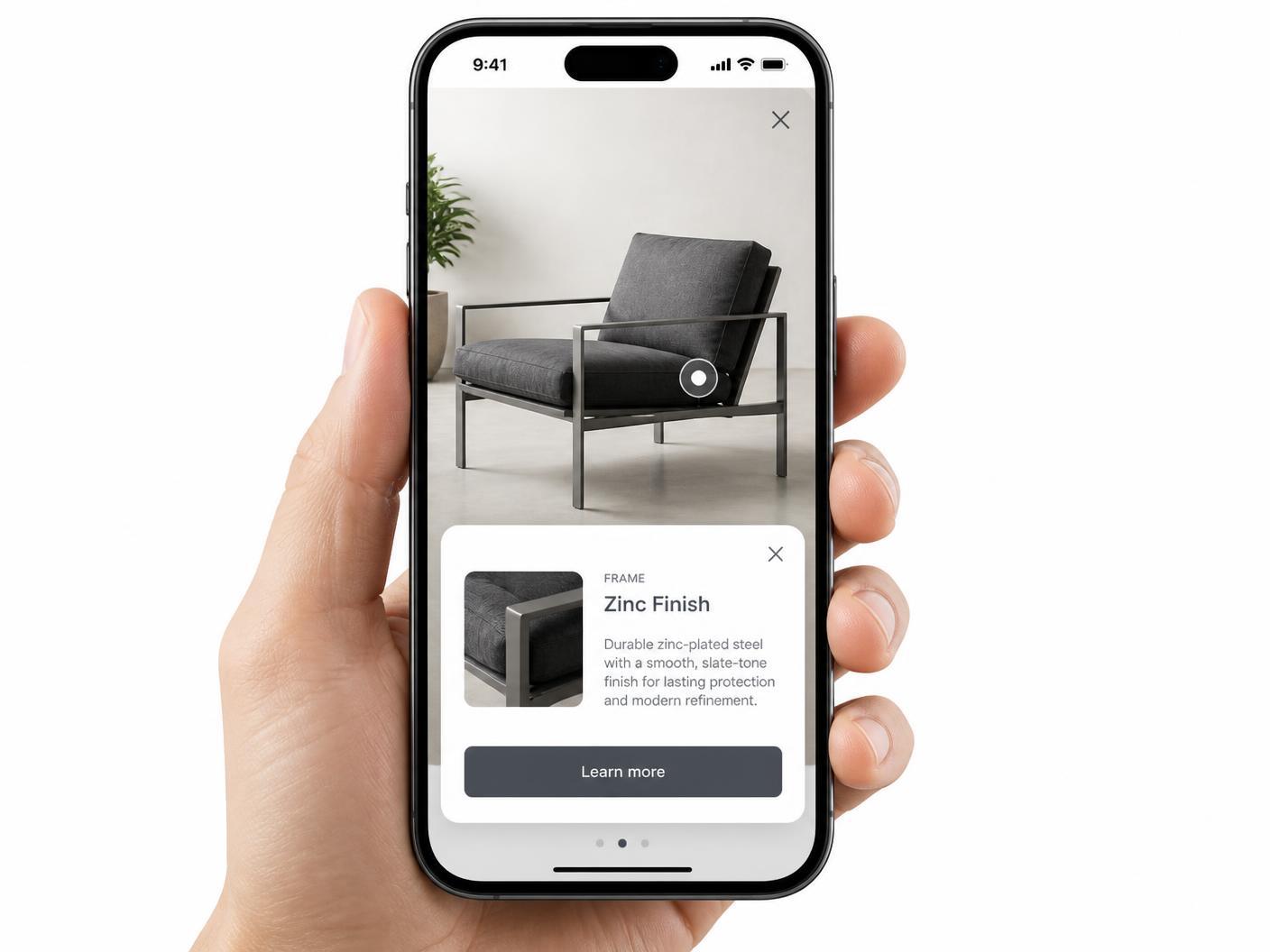
Whether planning a stay or standing on the tee, guests open this on a phone. Markers are tap targets and cards open full width instead of relying on hover — see hotspot alignment on mobile. Keep the course and amenity names as text on the page so search still sees them.
Continue exploring
Need it built for you?
Big maps, bulk hotspots, custom designs or integrations, built by our team at Upcode.
Turn any image into a guided experience.
Free forever plan. Paste one iframe into your site and ship.
Create your interactive image