

Use case · Warehouse & facilities
A facility layout your team can click into.
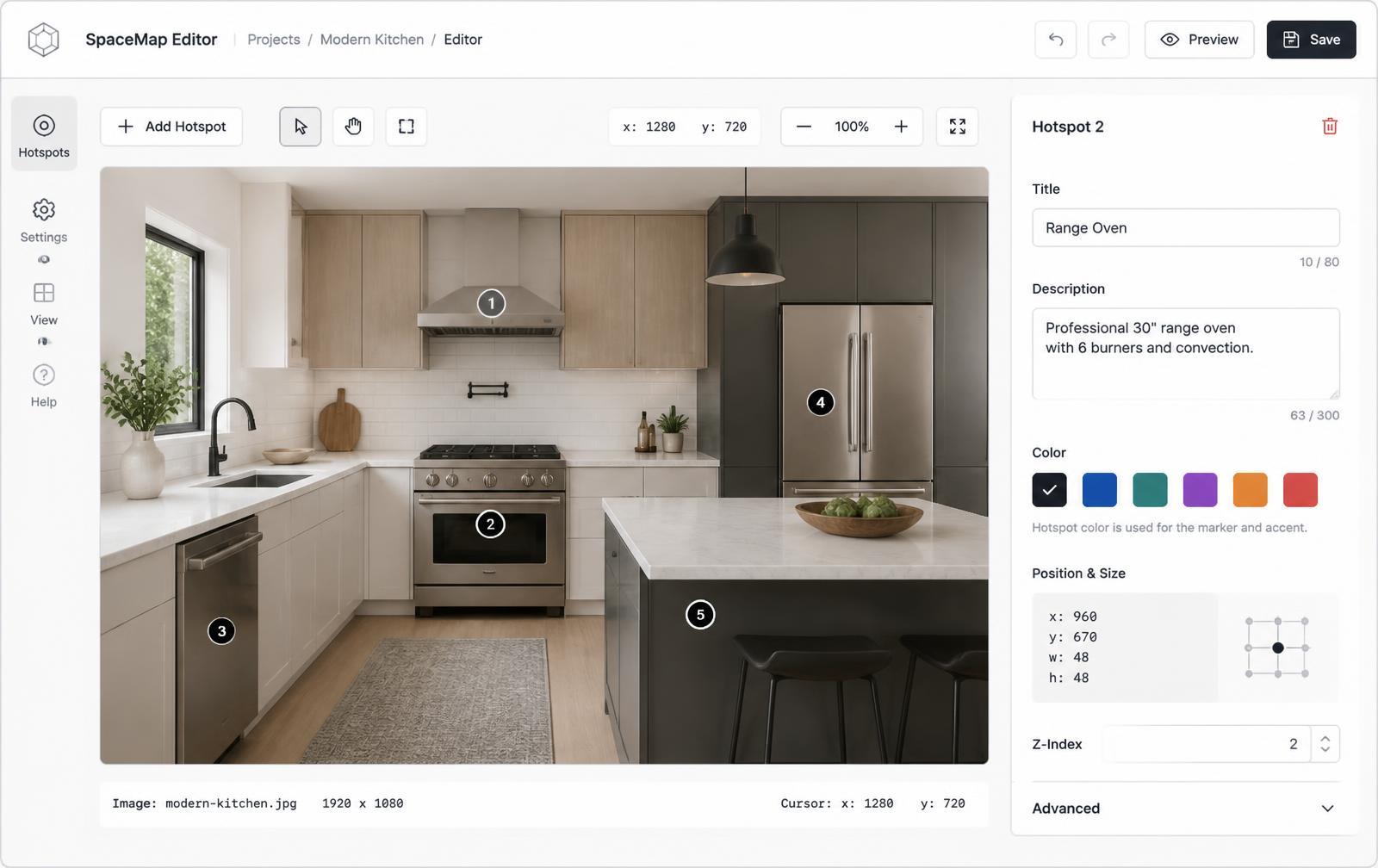
Mark every zone, bay, and machine on the layout you already have. Each marker opens equipment details, ownership, safety notes, and a link to the SOP.
Free forever plan · No credit card · Works in Wix, Webflow, WordPress, Shopify, Squarespace
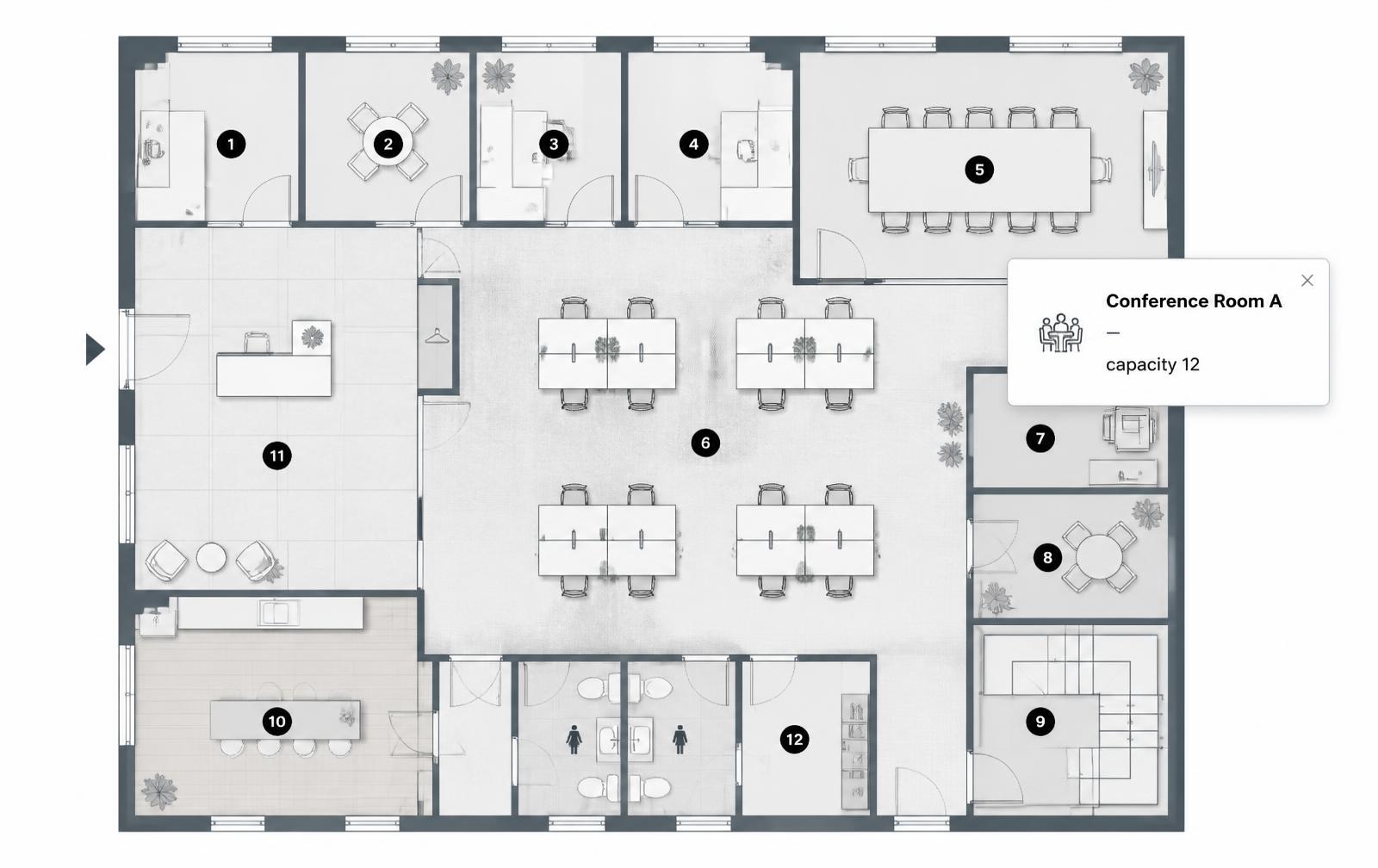
Zone-level detail
Capacity, equipment model, and the person or team who owns the area.
Safety points marked
Extinguishers, eyewash, exits, and lockout points as clearly coloured markers.
SOPs one click away
Each card can link straight to the work instruction or maintenance record.
What you get
- One marker per bay, aisle, cell, or machine
- Equipment model, capacity, and owner in each card
- Safety and emergency equipment colour-coded
- Direct links to SOPs and maintenance records
- Works on an intranet page or a public facility page
- Built from the CAD or layout image you already have
What a zone card should hold
| Field | Example | Why it's there |
|---|---|---|
| Zone | Receiving bay 3 | Matches floor signage |
| Equipment | Dock leveller, model 44 | Speeds up maintenance calls |
| Safety note | Hi-vis required | Reinforced at the point of use |
| Button | Open SOP | Removes the search step |
Why a printed layout or a coordinate map isn't enough
A laminated layout goes out of date the week after it is printed, and a classic HTML image map only gives you clickable regions with fixed pixel coordinates that misalign on a tablet. Percentage-based markers stay aligned at every size and each carries operational content — compare with a hand-coded HTML image map and see manufacturing use cases.
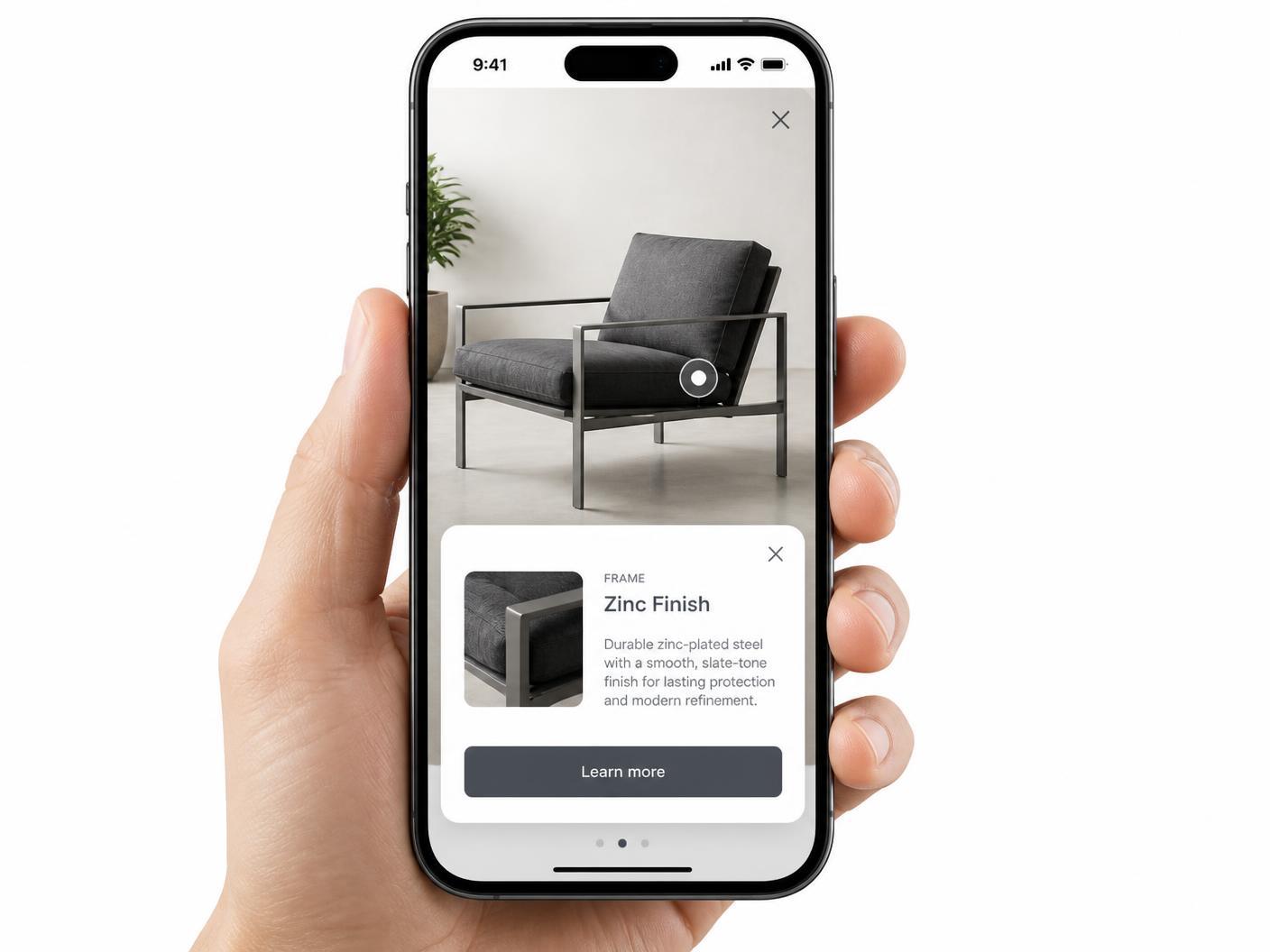
On the floor, on a tablet
Supervisors and new hires open this on a tablet or phone while walking. Markers are tap targets and cards open full width instead of relying on hover — see hotspot alignment on mobile.
Continue exploring
Need it built for you?
Big maps, bulk hotspots, custom designs or integrations, built by our team at Upcode.
Turn any image into a guided experience.
Free forever plan. Paste one iframe into your site and ship.
Create your interactive image