

For Notion
Clickable hotspot images inside Notion pages.
Paste a link, not code. Notion's /embed block turns your Interactive Image URL into a live, clickable diagram right in your doc.
Free forever plan · No credit card · Works in Wix, Webflow, WordPress, Shopify, Squarespace
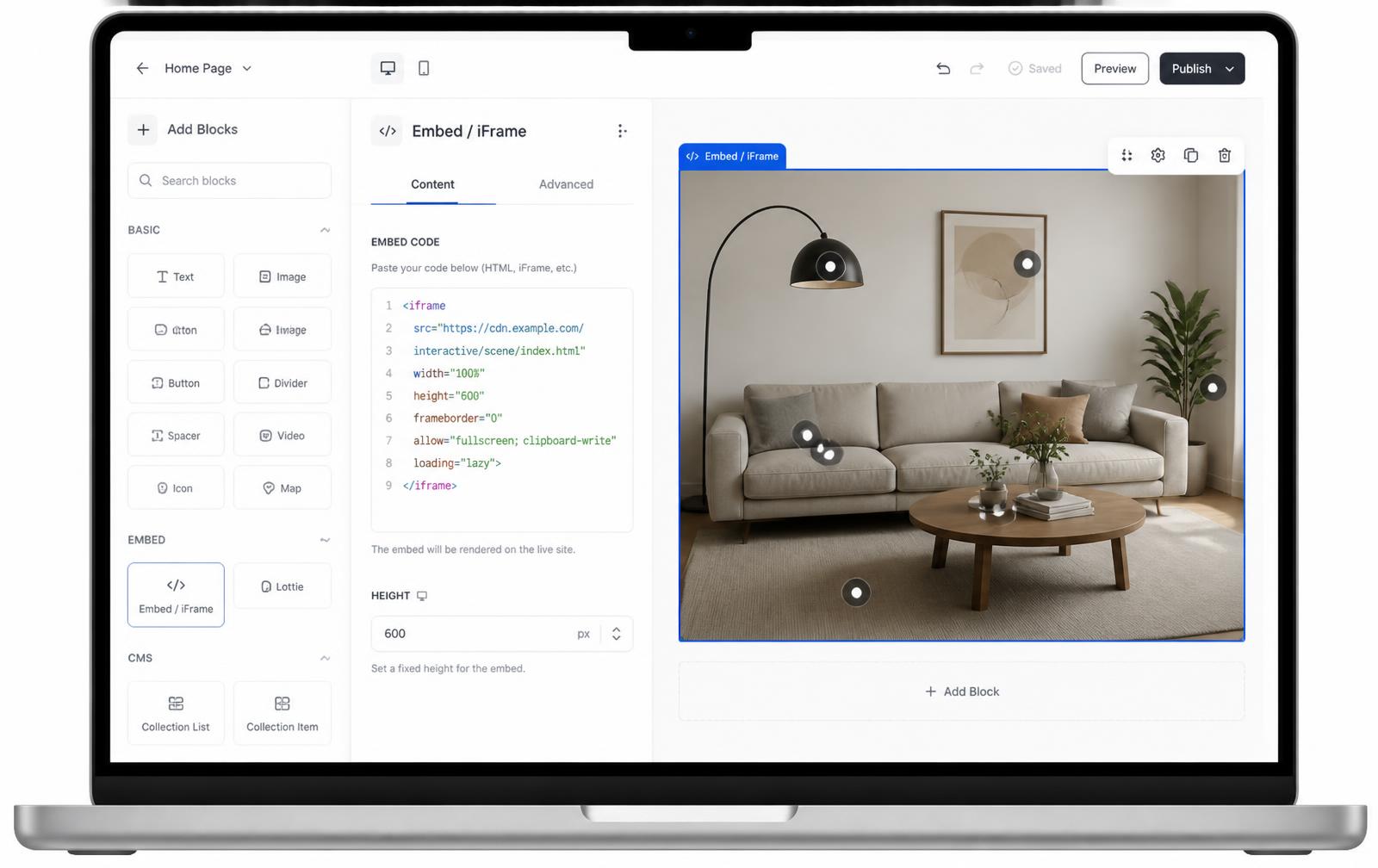
Link-based, not iframe HTML
Notion embeds work from a URL, so there's no code box to fight with — paste the link and it renders.
Fits inside docs and wikis
Sits naturally between paragraphs, callouts, and toggle lists like any other Notion block.
One source, many pages
Reuse the same embed link across onboarding docs, wikis, and roadmap pages — edits propagate everywhere.
What you get
- No iframe HTML needed — Notion's /embed command handles it
- Resizable directly on the page with drag handles
- Works in shared team wikis and public Notion sites
- Good fit for onboarding screenshots and annotated diagrams
- Update the hotspot image once — every embedded page reflects it
What teams actually use this for
Notion is where a lot of internal knowledge lives, and screenshots inside docs are usually static and quickly go stale. An embedded interactive image stays current because it's fetched live from Interactive Image, not pasted as a flat image. It works well for engineering onboarding docs that walk through a dashboard's UI, HR wikis annotating an office floor plan, and product teams labeling a roadmap mockup with links to specs. If you're documenting a UI, the clickable image maker is a fast way to get hotspots placed accurately.
Notion's /embed block, step by step
Notion treats embeds as a block type tied to a URL, not a code snippet you paste in. The mechanics:
- Publish your interactive image and copy the shareable link from the Embed panel — this is a normal URL, not an iframe tag.
- On the Notion page, type
/embedand press Enter, or use/embedthen paste the link when prompted. - Notion fetches the URL and renders it live inside the block. If it instead shows a bookmark card with a title and thumbnail, delete the block and redo it as
/embedspecifically — Notion sometimes defaults a bare pasted link to a bookmark preview.
Full-width pages and fixed block heights
Two Notion-specific settings affect how the embed looks on the page:
- Full width toggle: Hover the block, click the six-dot handle or use the "⋯" menu, and choose "Full width" so the embed spans the page instead of sitting inside Notion's default centered column.
- Fixed height: Unlike a website iframe wrapper, Notion's embed block uses a height you set by dragging the bottom handle — it doesn't auto-compute from your image's aspect ratio. Widen the block first, then drag the height to roughly width ÷ aspect ratio so the image isn't cropped or leaving empty space.
If you resize the block's width later, revisit the height — Notion won't adjust it for you.
Setup at a glance
Notion · /embed block on any page
- Time
- About 3 minutes
- Requirement
- Any Notion plan — paste a link, not code
- Block
- /embed
- Format
- URL, not HTML
- Resizing
- Drag handles
Step by step
How to add an interactive image to Notion
Five steps, no developer. Everything below happens once — after that you edit hotspots in Interactive Image and your Notion page updates on its own.
- 01
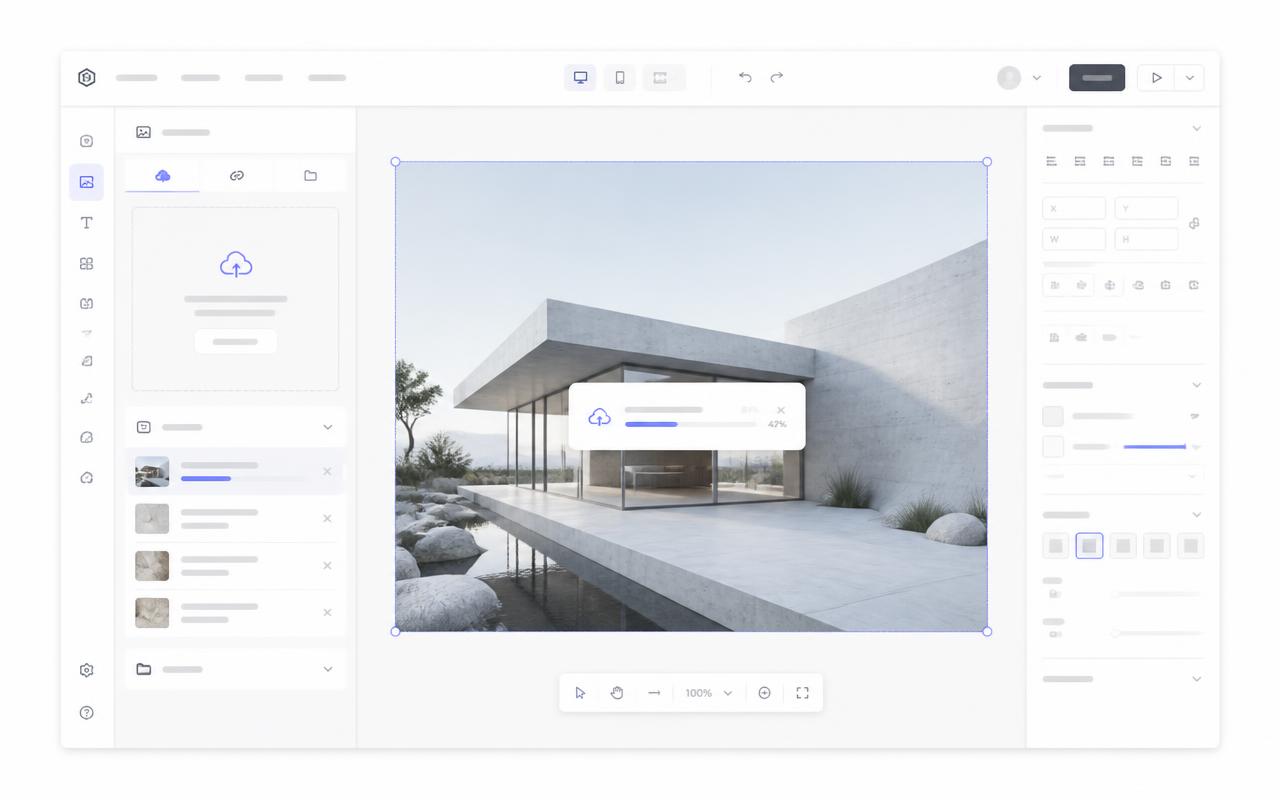
Upload your image
Create the interactive image — annotated screenshots, org charts, and floor plans work especially well in docs.
- 02
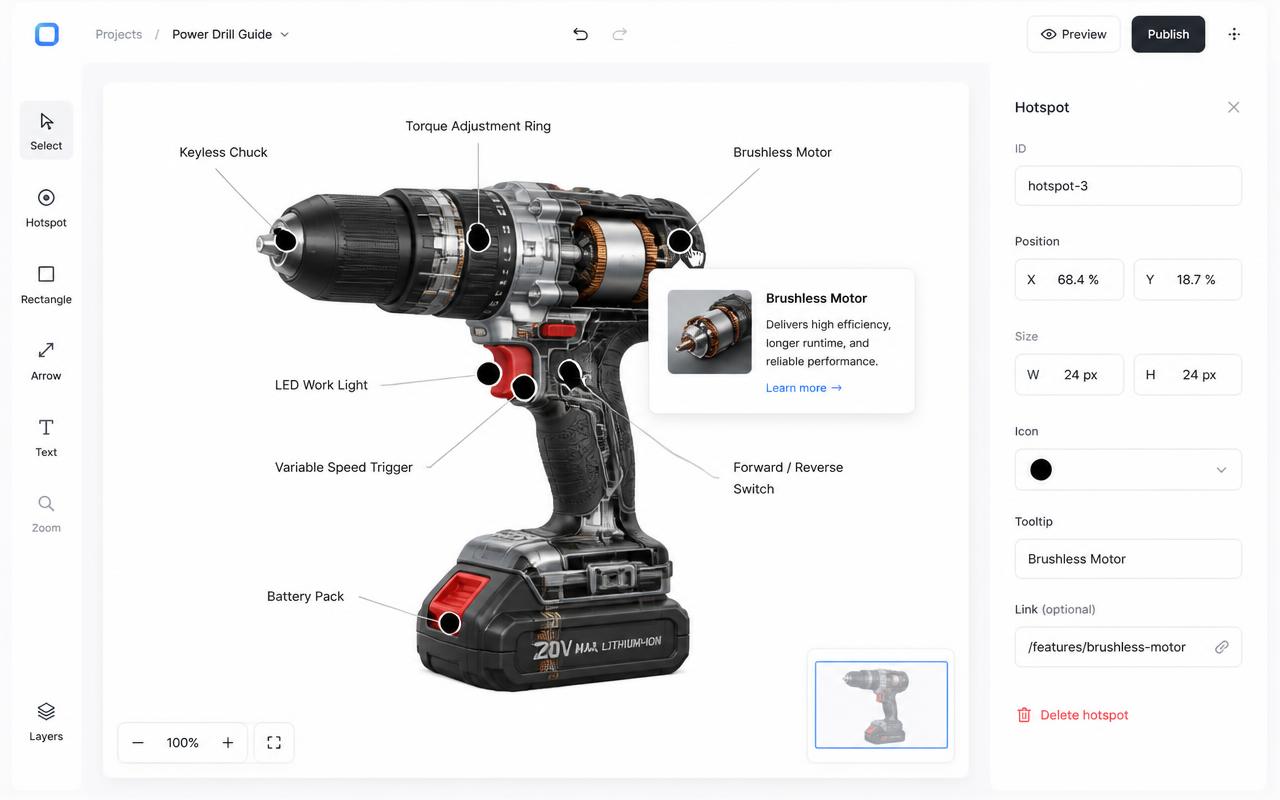
Add hotspots
Drop a dot on each labeled area and write the explanation that would otherwise live in a caption.
- 03
Copy the share link
Notion doesn't take raw iframe HTML, so copy the plain shareable URL from the Embed panel instead.
https://interactiveimage.com/embed/YOUR-ID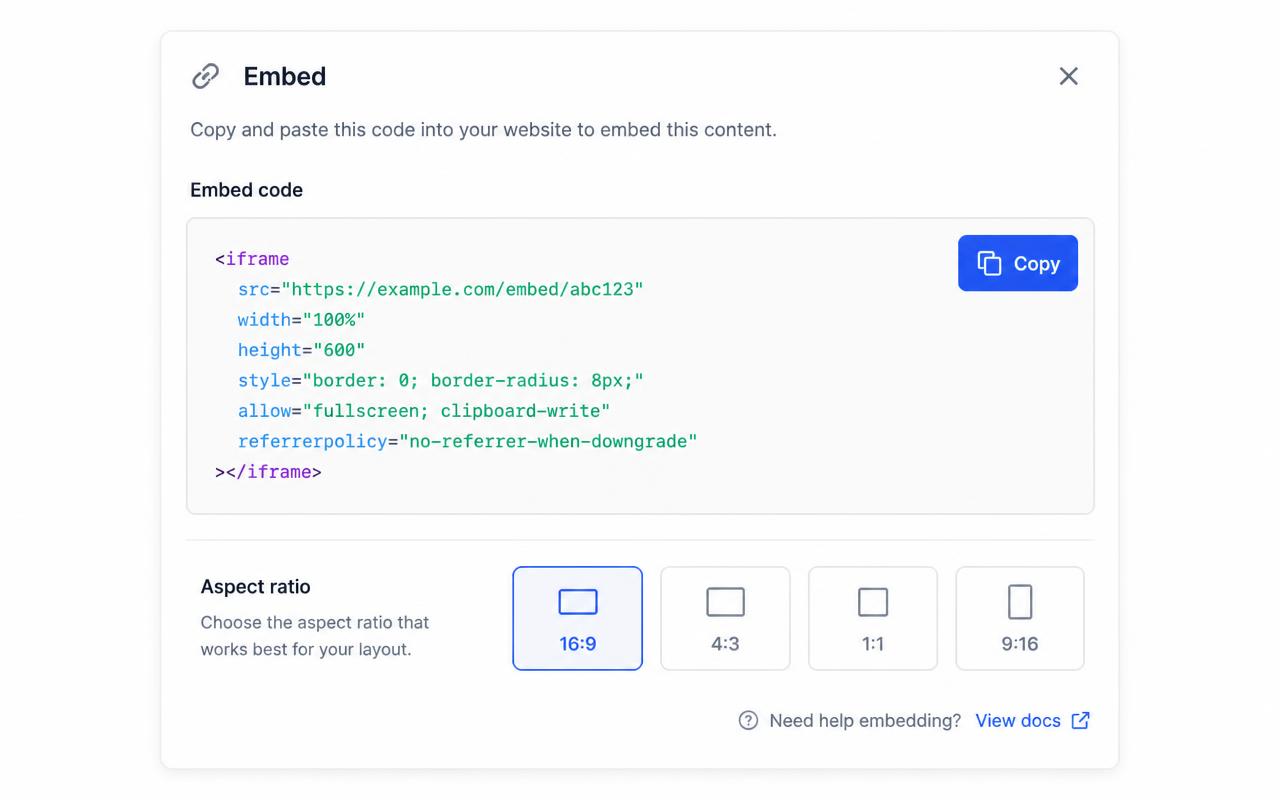
- 04
Type /embed in Notion
On an empty line, type /embed, choose Embed, paste the link, and press Enter.
- 05
Resize the block
Drag the block edges to make it full-width or inline. Every page holding the link stays current when you edit the source.
Troubleshooting
Fixes for the Notion issues people hit
Notion pasted a link preview instead of an embed
Choose "Create embed" from the paste menu, or use the /embed block first and paste the URL into its prompt.
Teammates see an empty block
The embed URL must be publicly reachable. Publish the interactive image before sharing the doc.
Where do I choose the map type and edit a dot?
In the account dashboard, New Map offers Image map or Mapbox map. This choice is fixed after creation. For image maps, choose Upload Background Image and Add new dot; geographic maps offer address search and Import locations. Select a dot and use Content for its type, text, media, and links, Appearance for that dot, and Map settings for shared defaults. Enable embedding and copy the current snippet before publishing it on your website.
The embed looks cropped or has scrollbars
The iframe height doesn't match the image aspect ratio. Copy a fresh snippet from the Embed panel — it bakes the exact ratio into a padding-based wrapper — or set the iframe height to width ÷ aspect ratio.
Hotspots look slightly offset from the artwork
That happens when the container letterboxes the image. Interactive Image measures the rendered image box, so hotspots stay glued to the artwork — just make sure you didn't force a fixed height that differs from the image ratio.
Changes aren't showing on the live site
Save in the editor, then hard-refresh the published page. The embed always renders the latest saved version — you never need to re-paste the snippet unless the aspect ratio changed.
Need it built for you?
Big maps, bulk hotspots, custom designs or integrations, built by our team at Upcode.
Turn any image into a guided experience.
Free forever plan. Paste one iframe into your site and ship.
Create your interactive image